Document Translation Privacy Checklist: What to Check Before Uploading a File
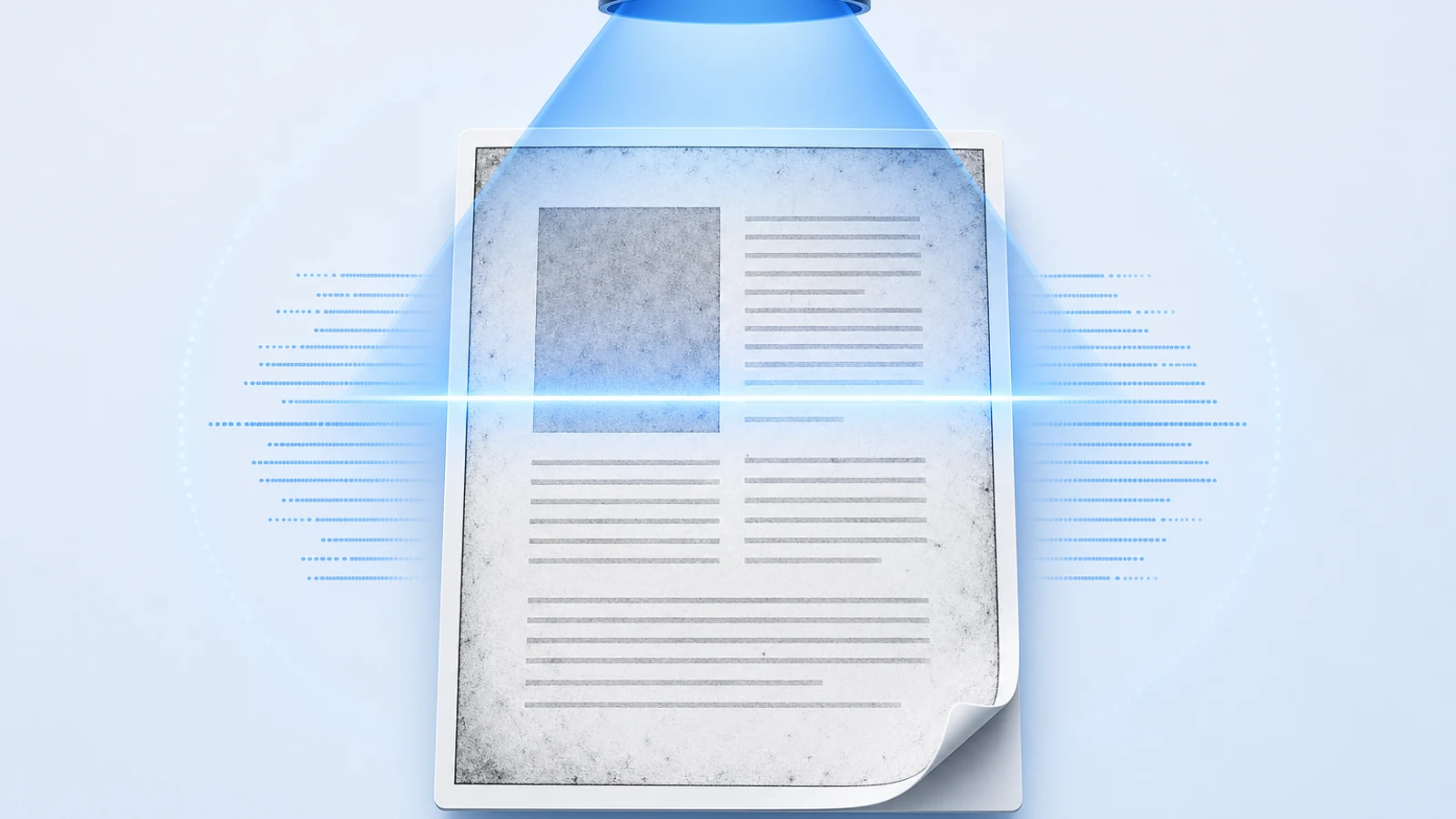
Inspect permissions, sensitive content, hidden data, metadata, service policies, output handling, retention, and deletion before translating a document online.

Before uploading a document for translation, answer four questions: are you allowed to process it, can you remove information the translator does not need, what does the service actually do with the file, and how will you control the translated output? If any answer is unknown, stop before upload.
Download the document translation privacy checklist. Complete it for the exact working copy and current service policy. Do not reuse an old approval after the file, destination, account, or policy changes.
1. Confirm Authority to Upload and Translate
Owning a copy is not always the same as having permission to upload, translate, or distribute it. Identify the source and the authority that applies:
- your own unpublished manuscript;
- a work licensed for translation;
- an employer or client document;
- research under a data-use or confidentiality agreement;
- a contract, legal record, financial file, or medical document;
- a public-domain work; or
- a document received from another person.
Record the owner, permission, intended use, permitted service or region restrictions, and person who approved the workflow. If an agreement forbids third-party processing or external cloud services, redaction does not automatically cure the problem.
Do not upload encrypted or password-protected material by bypassing its controls. Create an authorized working copy through the document owner’s process.
2. Classify the File Before You Read the Service Policy
List the highest-risk information anywhere in the file:
- names, contact details, signatures, IDs, or account numbers;
- health, employment, education, or financial records;
- confidential business plans, product designs, or source material;
- legal advice, litigation material, or privileged communications;
- unpublished research, reviewer comments, participant data, or embargoed results;
- credentials, private keys, access tokens, or internal URLs; and
- information controlled by a contract, law, grant, ethics board, or organizational policy.
Classification comes first because it determines whether an online translation service is an acceptable destination. A favorable privacy statement does not override your contract or organization's processing rules.
If you cannot confidently classify the file, ask the owner or data-protection contact rather than treating it as ordinary text.
3. Make a Minimal Working Copy
Translate only what the job requires. Work from a copy, not the master.
Consider removing:
- unrelated pages or appendices;
- unused worksheets, slides, or attachments;
- personal contact details not needed for meaning;
- signatures and account identifiers;
- participant-level data when aggregate text is sufficient;
- comments and internal review discussions;
- old document versions; and
- embedded files with no translation purpose.
Use stable placeholders when an identifier must remain consistent, such as [PARTICIPANT_014] or [CLIENT_A]. Keep the mapping offline and separate from the uploaded file. Do not use vague replacement text when reviewers must verify that the same entity remains consistent.
Data minimization reduces exposure, but it can also remove context needed for accurate translation. Record what was removed and confirm the remaining text is still interpretable.
4. Inspect Hidden Content in DOCX and Office Files
“No Markup” does not remove tracked changes. Microsoft states in its Track Changes documentation that hiding markup only changes the view and that unresolved changes can appear again when the document is opened.
Microsoft's Document Inspector guidance lists content that can survive ordinary viewing, including:
- comments, revision marks, versions, and ink annotations;
- author, last-saved-by, email, routing, and template properties;
- headers, footers, and watermarks;
- hidden text;
- custom XML data;
- invisible objects; and
- document-server or workflow properties.
Run the current Document Inspector on a copy. Review its results before selecting “Remove All,” because Microsoft warns that some removals cannot be restored and the inspector cannot detect every way content can be hidden.
After cleaning the copy:
- save, close, and reopen it;
- run the inspector again;
- search for known sensitive terms;
- inspect headers, footers, comments, and revision panes; and
- confirm the file still contains the context required for translation.
Use the Word document translation workflow after the privacy gate passes.
5. Redact PDFs Instead of Drawing Black Boxes
Covering text with a rectangle, changing it to white, cropping a page, or flattening a screenshot is not reliable redaction. The underlying text or object may remain searchable, selectable, extractable, or recoverable.
Adobe's current list of redactable PDF data includes visible text, images, form fields, metadata, attachments, bookmarks, comments, hidden text and layers, embedded indexes, cropped or deleted content, links, actions, JavaScript, and overlapping objects. Its Acrobat redaction workflow distinguishes marking content from applying the redaction and offers sanitization for hidden information.
For a PDF working copy:
- inventory visible and hidden sensitive information;
- use an actual redaction tool to mark text, images, or pages;
- apply the redactions;
- sanitize hidden information when required;
- save as a new file;
- reopen it and search, select, copy, and inspect properties; and
- have a second person verify a high-risk file.
OCR creates another text layer to inspect. A scanned page may look redacted while its OCR text still contains the original identifier. For image-only files, apply the privacy gate before the scanned PDF translation workflow.
6. Review the Service as a Data Flow
Read the current privacy policy and terms at the time of upload. Do not rely on a search snippet, old screenshot, or a generic “secure” badge.
Record answers to these questions:
- What content is uploaded and what account data is attached?
- Is the content used only for the requested service, or for model training or product improvement?
- Which processors or model providers may receive it?
- Where is it processed and stored?
- Is data encrypted in transit and at rest?
- How long are source files, outputs, logs, and history retained?
- Can the user delete a record and its associated files?
- Are backups or legal-retention exceptions described?
- Who can access the file for support or abuse review?
- How are policy changes communicated?
- What contact or incident process is provided?
Capture the policy URL and review date. If the answer is absent, mark it unknown rather than translating marketing language into a guarantee.
7. Apply the Same Review to BookTranslator
At the time this article was prepared, BookTranslator's current Privacy Policy says uploaded books and translated output are not used to train AI models, translation records and associated files are retained for a limited period so users can return to History and download completed work, and deleting a record from History also deletes the associated files from BookTranslator's servers. The policy also says the exact retention window can depend on account state or plan and advises downloading important results promptly.
Those statements are narrower and more useful than “never stored.” Check the live policy again before upload because product behavior and terms can change.
For BookTranslator specifically:
- confirm the file is permitted by your own rules;
- upload only the minimal cleaned working copy;
- use the appropriate account and device;
- inspect the price and task details before payment;
- download and review the translation promptly;
- remove the History record when it is no longer needed; and
- store deletion evidence if your process requires it.
Do not treat a user-facing delete action as proof about systems or exceptions not described by the current policy. If your project requires a contractual retention window, data-processing agreement, specific region, or regulated control, obtain explicit confirmation before upload.
8. Protect the Translated Output
The output normally deserves the same classification as the source and can create new disclosure risks:
- a redacted name may reappear from a missed comment or OCR layer;
- a placeholder can be inconsistently expanded;
- target-language text may expose information to a broader audience;
- metadata can be copied from the source;
- an output link can be forwarded outside the approved group; and
- a bilingual file contains both source and target content.
Review the output before sharing. Repeat the hidden-data and metadata inspection appropriate to its format. Confirm that redactions and placeholders survived, then store it only in the approved location with the required access controls.
Do not upload the translated output to another tool for “cleanup” without repeating the entire service review. Each new destination is a new data flow.
9. Keep Evidence and a Deletion Plan
A lightweight audit record should contain:
- source owner and authority;
- classification and permitted purpose;
- working-copy filename or hash;
- data removed or replaced;
- hidden-content inspection result;
- service, policy URLs, and review date;
- account and destination used;
- output location and access owner;
- record/file deletion action and date; and
- unresolved exceptions.
Do not place the sensitive content itself in the audit log. The log should prove the decision process without becoming a second copy of the document.
One-Minute Stop-or-Upload Gate
Stop before upload if any of these is true:
- permission or ownership is unclear;
- the file violates an agreement or organizational rule;
- unnecessary sensitive content remains;
- comments, revisions, metadata, layers, attachments, or OCR text were not inspected;
- a black box was used instead of real redaction;
- the current service policy does not satisfy a required control;
- the output has no approved storage and deletion plan; or
- nobody owns incident escalation.
If every item passes, upload the minimal working copy—not the master—and treat the translated result as sensitive until its own review and deletion steps are complete.
Okuthunyelwe Okuhlobene