Kindle Translate for KDP Authors: Eligibility, Limits, and Alternatives
Kindle Translate is Amazon's AI translation beta for KDP ebooks. Check eligibility, what it won't translate, the KDP Select catch, and when to publish your own translated edition.

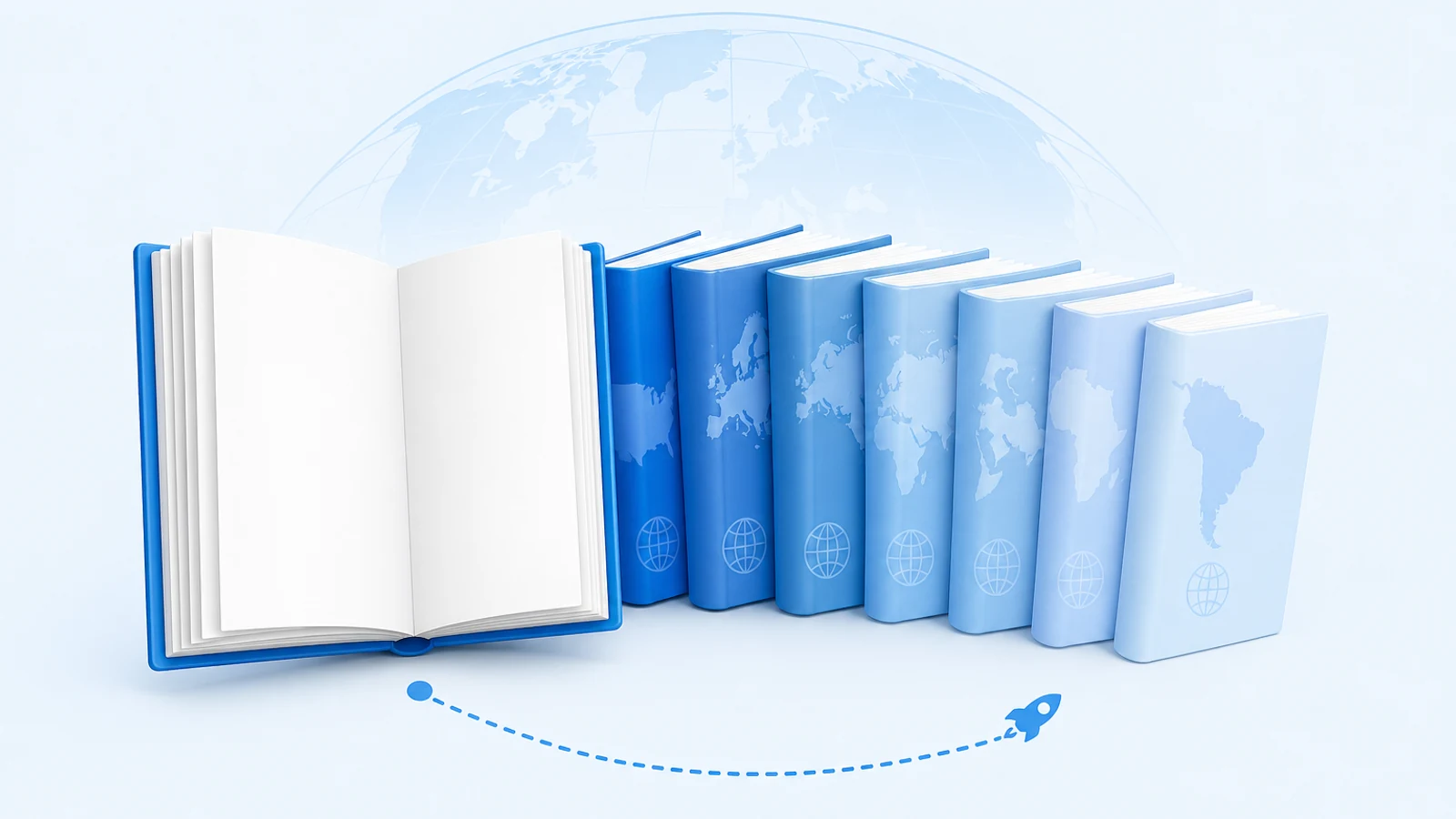
Kindle Translate is Amazon's AI translation service for KDP ebooks. Once a book is eligible, you choose target languages from your KDP Bookshelf. Amazon translates the book, runs an automatic quality check, and publishes each translation as its own Kindle edition. Amazon's announcement describes the service as free for independent authors. The announcement was first published in November 2025 and updated on June 30, 2026 to add French, Italian and Portuguese. Every pair runs through English: KDP's languages page lists English into French, German, Italian, Portuguese (Brazil) and Spanish, and those five languages into English (US).
The service is the easiest route to a translated edition for a lot of indie fiction. It is also narrower than the launch coverage suggests. Your book has to pass a strict eligibility check. Some content is not translated at all. And each translation inherits decisions from your source edition that you might want to make separately for each market.
This guide covers the eligibility check, what to look at before you click Translate your eBook, and when publishing a translation you produced yourself is the better choice. All of the rules below come from KDP's help pages as they read on October 22, 2026. The service is still labeled a beta, so check the linked pages again before you rely on any detail.
If you searched "Kindle translate" because you want to read a foreign-language book in your own language, this page is not about that. It covers the publishing service for KDP authors. For readers who have a DRM-free file, how to make a bilingual EPUB is the closer match.
Is your book eligible? A pre-check before you look for the button
KDP runs its eligibility check only after an ebook is live. Until then, the Translate your eBook option will not appear. Use this table to predict the result before you wait for it. Each row is a requirement from KDP's eligibility and troubleshooting page.
| Requirement | What to check on your book | Common reason it fails |
|---|---|---|
| Ebook status is Live | Bookshelf status is Live, not Publishing | You just published, or the book is still on pre-order (pre-orders are excluded) |
| Post-publishing processing has finished | Up to 72 hours after the book goes live | You checked too early |
| Reflowable format | Not a fixed-layout ebook | Picture books, comics, cookbooks and other layout-driven books are often fixed-layout |
| Primary language is English, French, German, Italian, Portuguese or Spanish | The language field in your book details | The book is in another language. Japanese books are excluded, and the service is not available on kdp.amazon.co.jp |
| Not public domain | The text is your own work, not a public domain original | Public domain editions are not eligible |
| Not already a translation | The source edition is the original-language work | You cannot use a translated edition as the source for more translations |
| Has a cover, a primary author or contributor, and no empty chapters | Book details and table of contents | Placeholder chapters or a missing contributor |
If you still don't see the option, KDP has a Why isn't my eBook eligible? link on the Bookshelf that lists the reasons. One caution applies to every row: KDP's getting started page still describes the beta as invite-only and says Amazon decides which ebooks it accepts. Amazon's own news post says the beta is available to KDP authors. If your book passes every row and the option is still missing, availability on your account is a likely reason, not necessarily a problem in your file.
The public domain row trips up more people than it should. If you translated a classic, or edited a public domain text, Kindle Translate is not the tool for that book. KDP's content guidelines still accept public domain titles if they are differentiated, and they require translations to credit both the translator and the original author. You would publish that translation as a separate edition yourself.
What Kindle Translate will not translate
Passing the eligibility check does not mean the whole book gets translated. KDP's troubleshooting page lists elements that cannot be translated:
- text inside images, charts or graphics;
- complex infographics;
- passages written in a language other than the book's primary language;
- book subtitles.
Under "Content that may not translate well" it lists highly technical terminology, complex wordplay, poetry, heavy cultural references, and complex formatting. It names cookbooks and comic books as examples of books that may not translate well. The content it says translates well is fiction, business and self-help, straightforward instructional writing, and standard prose and dialogue.
Before you translate, go through your manuscript once with that list in hand. Here is what each item means in practice:
- A map, family tree or chapter-opening illustration with labels stays in the source language. A reader in the new language sees untranslated labels in the middle of translated prose. If those images matter to the story, you need translated image files. The help pages describe no way to swap in replacement images, so this pushes you toward a separate edition.
- A novel with dialogue in a second language, such as French phrases in an English thriller, keeps those passages as they are. That may be what you want. Check it anyway, because in the translated edition the reader's own language may be the one appearing as "foreign" text.
- A subtitle that carries the hook, such as "A Small-Town Cozy Mystery", is on KDP's list of elements that cannot be translated. A shopper in the new market may see a translated title next to a subtitle in your original language.
None of these mean you should skip the service. They tell you where a reader will notice the gaps.
What you trade for convenience: metadata, exclusivity and review
Three rules on the getting started page shape the decision more than the language list does.
Book details are inherited
Translations use the source ebook's book details, such as the title and author name, in translated form. KDP says you cannot change them on translations independently. To change them, you edit the source ebook. A title change flows through to the translations, and other manuscript updates prompt you to retranslate.
This matters because a straight translation of a title is often not what sells in another market. Genre conventions, search terms and even the best title can differ between the US and German stores. Our ebook metadata localization guide covers what a market-specific title, description and keyword set usually involves. With Kindle Translate, you accept the translated version of your source metadata instead. You can still set your own price for each translation, and you can upload your own JPG or TIFF cover. The default cover is your existing cover with a white border and the language name at the top.
KDP Select applies to the translation too
Select is an exclusivity program, so an enrolled translation cannot also be sold on Kobo, Apple Books or Google Play. Check this before you submit. KDP's translation pricing page says that if your source ebook is enrolled in KDP Select when you submit its translations, the translations are also enrolled for 90 days, and the enrollment renews automatically unless you opt out on the Kindle Translate management page. (The getting started page describes choosing Select enrollment during setup, so the two pages are not fully consistent; check what your setup screen shows.) KDP also notes that if you unpublish an enrolled translation, you still have to meet Select's exclusivity requirements for the rest of the current 90-day term. If your source book is in Select and you want the Spanish edition sold everywhere, plan for that first 90 days and opt out before renewal.
Quality review stays your job
Amazon says translations are "automatically evaluated for accuracy and quality" before publication. KDP's help page describes a 7-step quality assurance threshold. A book that fails it can show a "Cannot be published" status. You can preview a draft or published translation from the Languages section. KDP also requires that translations meet the same content guidelines as your source ebook.
An automatic check that blocks bad output is not a reader who knows your genre. If you can read the target language, or know someone who can, preview at least these passages before you publish:
- the first chapter, because that is what the store sample shows;
- a dialogue-heavy scene, where register and voice are most likely to go flat;
- any passage that relies on wordplay, invented terms or recurring names;
- the back matter, where calls to action, series links and author notes live.
The human post-editing guide explains how to scope a review like this without paying for a full retranslation. Updating the manuscript has a cost too: when you publish changes to the source ebook, KDP prompts you to retranslate, and a retranslation can fail the quality threshold even if the earlier version passed.
KDP also says the beta experience is confidential under its terms and asks authors not to share specifics or screenshots. That explains why there are few public walkthroughs. It also means this guide is based on the published help pages, not on a test run of the service.
Kindle Translate or a separate translated edition?
You can produce a translation yourself and publish it as an ordinary KDP ebook. You use KDP's normal publishing flow, not Kindle Translate. Because Kindle Translate excludes "books that are already translations", a book you translate yourself will never be eligible for it as a source. Use this matrix to pick a route for each book and language.
| Your situation | Better route | Why |
|---|---|---|
| Fiction or self-help, a Kindle-first sales plan, and a supported pair (English into one of five languages, or one of them into English) | Kindle Translate | No translation cost, publishing is built in, and the book is the kind of content KDP says translates well |
| You want the translation on Kobo, Apple Books or Google Play as well | Separate edition, or Kindle Translate with Select opted out | A source book in Select puts its translations into Select for 90 days |
| The target language is not offered, or your source language is not one of the six | Separate edition | Kindle Translate cannot produce it |
| Your book is public domain, or is itself a translation | Separate edition | Both are excluded |
| Maps, labeled illustrations or a meaningful subtitle | Separate edition, or Kindle Translate plus a careful preview | Kindle Translate does not translate text in images or subtitles, and the help pages describe no way to replace them |
| You want a market-specific title, description or keywords | Separate edition | Translations inherit translated source details and can't be edited on their own |
| Fixed-layout ebook | Separate edition | Only reflowable ebooks are eligible |
| You plan to hire a native-speaking editor anyway | Either | The editor's work matters more than the first-draft tool. A separate edition gives you a file the editor can mark up directly |
The separate-edition route is more work, but every decision stays yours. Here is the usual sequence:
- Start from the EPUB or DOCX you hold the rights to. Use the original-language manuscript, not a Kindle download.
- Produce a first-draft translation of the whole file. BookTranslator's EPUB translator translates complete EPUB files. Turn on the Auto glossary option when you set up the task to keep names and terms consistent across chapters. Word manuscripts go through the DOCX translator. You see the price before you pay. Check the output file the way you would check any first draft. The book translation QA checklist lists what to look for.
- Have it reviewed in proportion to what is at stake: a full edit for a flagship series, a spot check for a backlist experiment.
- Publish it on KDP as a new ebook with the correct language. Credit both you as the original author and the translator, as KDP's content guidelines require. KDP also asks you to disclose AI-generated content, and its definition explicitly covers translations "created by an AI-based tool", even if you edit them heavily afterwards.
- Localize the title, description and categories for that market, and decide on KDP Select separately for this edition.
The guide to self-publishing in multiple languages covers choosing markets and pricing across a full language rollout.
A practical way to decide
For a backlist novel in a supported language pair with no maps or wordplay at its core, try Kindle Translate first. It costs nothing, and you can unpublish a translation without touching the original. Preview before you publish, and check its KDP Select status if you want it sold in other stores.
For a flagship series, an illustrated book, a book in a language Kindle Translate doesn't support, or any book where you want to choose each market's title and keywords yourself, produce your own translated edition. The work is the same either way: an AI first draft, then human review. What differs is who controls the file, the metadata and where you can sell it.
Related Posts