PDF Text Extraction vs. OCR: Choose the Right Path Before Translation
Test each PDF page before translation. Use this mixed-file experiment to decide when to keep existing text, run OCR, or replace a misleading text layer.
Use text extraction when a PDF already contains trustworthy machine-readable text. Use OCR when a page contains only an image of text. If a page has an existing text layer that is wrong, neither rule is enough: you need to compare the extracted words with the visible page before deciding whether to keep, replace, or redo that layer.
That decision belongs before translation. A translator cannot recover a quantity, name, or sentence that entered the workflow incorrectly. It can only translate the source it receives.
The fast decision table
Test pages, not just files. A single PDF can mix a digital title page, scanned chapters, and inserts with old OCR.
| What one page contains | What extraction returns | First path | What must be verified |
|---|---|---|---|
| Born-digital text | The same words shown on the page | Keep and extract | Characters, order, headings, links, and a wider sample |
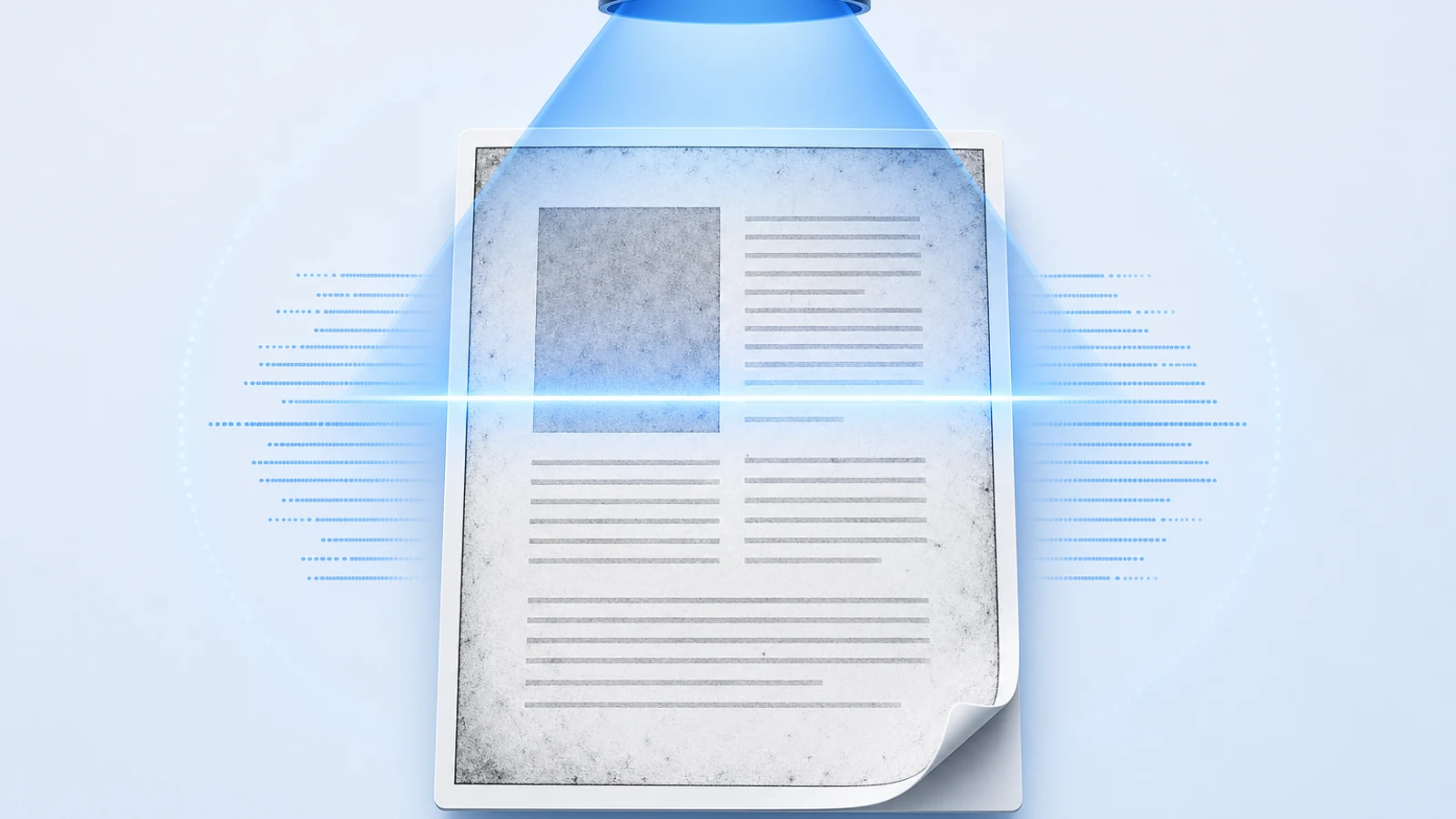
| Page image only | Empty or nearly empty output | OCR that page | Names, numbers, paragraphs, columns, and language |
| Scan plus accurate hidden text | Text that matches the image | Usually keep it | Representative passages and difficult layouts |
| Scan plus inaccurate hidden text | Plausible but wrong words or numbers | Replace or redo the OCR layer | The known failure, then a new sample |
| Digital text with broken mapping or order | Garbled characters or scrambled reading order | Diagnose before OCR | Whether a better export or extraction path preserves more structure |
Being able to select words is only evidence that a text object exists. It does not prove that the text matches the page. Conversely, a failed copy test does not prove the entire PDF is image-only.
Our four-page mixed-PDF test
We created a downloadable four-page PDF with known content. It contains no private or third-party document:
- a born-digital page;
- an image-only page;
- a scanned-looking page with a correct hidden text layer;
- a scanned-looking page with a deliberately misleading hidden text layer.
For each page, we ran Poppler pdftotext against the existing PDF data. Separately, we rendered the page at 300 dpi and ran Tesseract on that image. The visible reference was fixed before either test.
| Page | Existing extraction | OCR from the rendered page | Decision supported by this test |
|---|---|---|---|
| Digital text | Matched the visible reference | Also matched | Keep the existing digital text; OCR adds no value here |
| Image only | Empty | Matched | OCR is necessary if machine-readable text is needed |
| Correct hidden OCR | Matched | Matched | The existing layer passed this controlled sample |
| Misleading hidden OCR | Returned DX-4O7, 53 folios, and section 7.8 | Returned the visible DX-407, 58 folios, and section 7.5 | The selectable layer must not be trusted |
The point is not that Tesseract always wins. It did on this clean English fixture because we constructed the page to isolate the decision. On noisy scans, unusual scripts, tables, handwriting, or complicated layouts, fresh OCR can fail in different ways.
The page-by-page results, decision sheet, reproduction notes, and generator are available with the fixture. On September 21, 2026, the recorded versions were Poppler pdftotext 26.08.0 and Tesseract 5.5.3.
What the test proves—and what it does not
It proves that four visually readable pages can require three different pre-translation paths. It also proves that searchable text can disagree with the page while remaining plausible.
It does not measure general OCR accuracy, reader accessibility, table recovery, multilingual recognition, or BookTranslator's upload behavior. The pages are simple and the errors on page four were inserted deliberately; Tesseract did not create them.
Why extraction and OCR are different operations
Text extraction reads text objects already stored in the PDF. OCR recognizes characters in pixels. The current pypdf extraction guide draws the same boundary: pypdf can read an existing text layer but cannot recognize words inside an image.
That distinction matters because a digital PDF can contain information that rasterizing discards or makes harder to recover: character encodings, font information, links, vector graphics, and other document objects. pypdf explicitly advises against treating OCR as the universal path for born-digital files. It also explains a separate limitation: PDF usually stores text for visual placement, not as semantic paragraphs, tables, or headings.
So two independent questions belong in the preflight:
- Are the characters correct? Compare the extracted names, numbers, punctuation, and unfamiliar terms with the page.
- Is the structure usable? Read a complete paragraph, then inspect columns, footnotes, tables, captions, and page boundaries.
Correct characters in the wrong order are still a broken source for translation.
A page-level preflight before translation
1. Preserve the original
Keep an unchanged source file and record its hash if the document matters. Run experiments on copies. Replacing an imperfect text layer can flatten vector content or discard information you later need.
2. Inventory the page types
Do not make the decision from the first page. Sample the title matter, ordinary body pages, appendices, tables, illustrations, inserts, and any page that looks photographed or photocopied.
For a long document, record the page ranges:
| Range | Observed type | Test passage | Result | Planned path |
|---|---|---|---|---|
| 1–4 | Digital front matter | Title, author, edition | Matches | Keep extraction |
| 5–126 | Page scans | One paragraph and two numbers | No text | OCR |
| 127–133 | Searchable insert | Name, date, table row | Two errors | Replace existing OCR |
The downloadable CSV uses the same pattern for our fixture.
3. Compare difficult tokens, not only easy prose
Fluent-looking sentences are weak checks. Include:
- a person's name;
- a date and a quantity;
- an identifier that mixes letters and numbers;
- accented or non-Latin text;
- a sentence crossing a line break;
- a passage near a footnote, figure, or second column.
Page four in our fixture would look usable if the check stopped at common words. The errors are concentrated in O/0, 58/53, and 7.5/7.8—exactly the kind of tokens that can corrupt references and facts after translation.
4. Classify uncertainty honestly
Use four outcomes: passed sample, failed sample, no extractable text, or not yet tested. “Selectable” is not an outcome. Neither is “the OCR finished.”
Sampling has limits. Passing three pages does not certify a 400-page book, especially when the file contains different scans or layouts. Increase coverage where the source changes.
Choose an OCRmyPDF mode only after diagnosis
OCRmyPDF's current documentation describes several behaviors for pages that already contain text. These are routing choices, not quality guarantees.
- Default behavior stops when a page already contains printable text or a hidden OCR layer because it cannot reliably tell which kind it found.
- Skip text copies text-bearing pages without modification and OCRs other pages. It is useful for a mixed file only when the existing text is trustworthy.
- Redo OCR removes existing non-printing OCR text and recognizes the page again, while excluding printable vector text. It can suit a mix of digital and previously OCRed pages, but it cannot identify every historical arrangement.
- Force OCR rasterizes vector content and OCRs the resulting image. It can replace a failed layer, but it sacrifices information and can flatten interactive content.
Those semantics come from OCRmyPDF 17.12.1's existing-text error documentation. Read the documentation for the installed version before running a batch. A flag name is not evidence that the output preserved bookmarks, tags, links, forms, or accessible structure.
In our fixture, skip-text would preserve page four's deliberately wrong hidden text. That is why the copy-and-compare gate must happen before selecting a batch mode.
Common wrong turns
“If text is selectable, skip OCR”
Page four disproves that rule. Selection detects existence, not fidelity.
“OCR the whole PDF to be safe”
That can degrade clean digital pages and discard useful PDF objects. It also creates a larger review surface without fixing semantic reading order automatically.
“Use whichever output looks more fluent”
Fluency is dangerous here. Compare against the visible page. Do not let a language model silently repair an identifier or quantity and then treat the result as source evidence.
“One clean page represents the file”
Mixed PDFs are common: a digital cover can precede scanned chapters, or a searchable book can contain image-only inserts. Record decisions by page range.
The release gate for a translation-ready PDF
Before sending the file into a translation workflow, require all of the following:
- Every page range is classified as digital, image-only, or existing OCR.
- Failed existing layers have a documented replacement path.
- Names, numbers, identifiers, and unfamiliar terms pass source comparison on the sampled pages.
- Paragraph and column order is readable in the extracted source.
- Tables, figures, footnotes, and equations are either verified or explicitly tracked as separate assets.
- The original PDF remains available for post-translation comparison.
Use the separate copy-paste diagnosis guide when a text-bearing PDF already fails. Use the scanned PDF workflow when pages are image-only, and the mixed-language OCR guide when language selection is part of the failure.
Translate the verified source, then review the output
If the final goal is reading a complete document in another language, upload the verified PDF to PDF Translator. For scanned or image-heavy pages, BookTranslator's OCR Mode extracts recognizable content and rebuilds a clean translated PDF; it does not promise to preserve the exact original page layout, fonts, or sizes, or to repair every existing hidden text layer.
Keep your page inventory and original file. After translation, repeat the high-risk checks on the target: names, quantities, identifiers, page coverage, paragraph order, and any structure you rely on. The PDF translation QA checklist covers that final acceptance pass.
The governing rule is simple: extract what is already reliable, OCR only what requires recognition, and replace a text layer only after you have proved it is wrong.
Related Posts