OCR Mode
Translate scanned PDFs into clean, searchable documents
OCR Mode reads scanned and image-heavy PDFs, keeps content such as text, images, and tables, then rebuilds a clean document. It may not preserve the original page layout, fonts, or font sizes.
Why use OCR Mode?
Read scanned pages before translating
OCR extracts text from page images so scanned books, copies, and image-only PDFs can be translated instead of skipped.
Clean translated pages
The output is rebuilt for readability instead of matching the original design, reducing overlay artifacts, overlap, and garbled text.
Works better on difficult PDFs
Use OCR Mode for textbooks, academic papers, tables, and image-heavy pages where preserving the content matters more than preserving the exact layout.
Bilingual or translation-only output
Choose a bilingual file for review or a translation-only PDF for reading, printing, and e-readers.
How It Works
Upload your PDF
Upload a scanned book, academic paper, or image-heavy PDF. Turn on the OCR Mode switch before translating.
OCR, then AI translation
We extract machine-readable text with OCR, translate it with AI, and keep the document structure as clean as possible.
Download a clean PDF
Get a rebuilt PDF with searchable text. Choose bilingual or translation-only output when available.
Standard mode vs OCR mode
| Standard mode | OCR mode | |
|---|---|---|
| Approach | Overlay translation on the original PDF | Extract content with OCR and rebuild a clean document |
| Scanned PDFs | Limited when pages are image-only | OCR reads scanned pages so text can be translated |
| Text quality | May show overlap, artifacts, or missed text | Cleaner translated text with fewer overlay issues |
| Output options | Single translated PDF | Bilingual and translation-only PDFs |
| Original formatting | Closer to original fonts, colors, and decorations | Keeps content, but layout, fonts, and sizes may change |
| Best for | Selectable PDFs, branded documents, and simple layouts | Scanned books, textbooks, academic papers, and copies |
Before & After
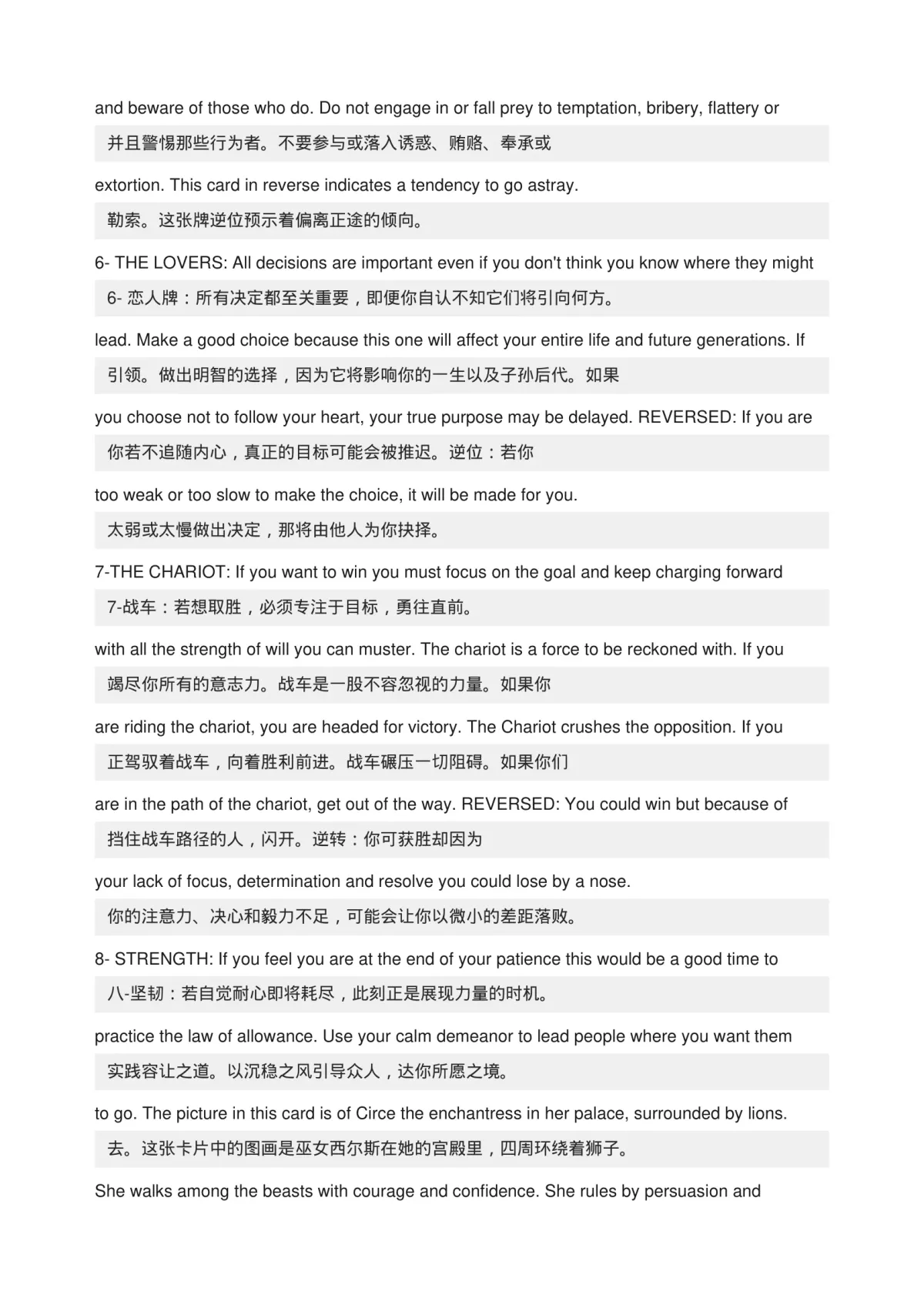
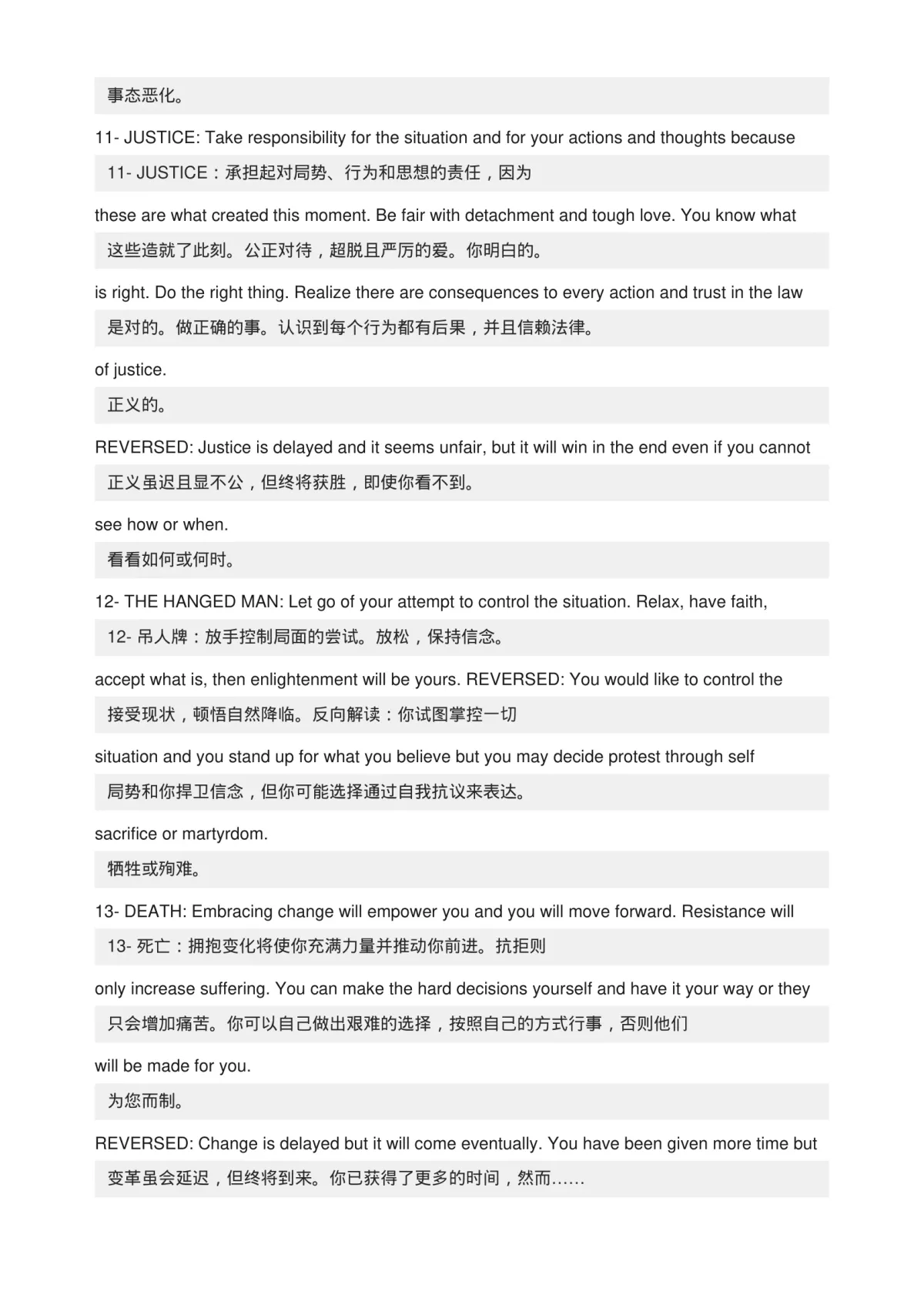
See how OCR Mode turns hard-to-read PDF pages into clean translated output
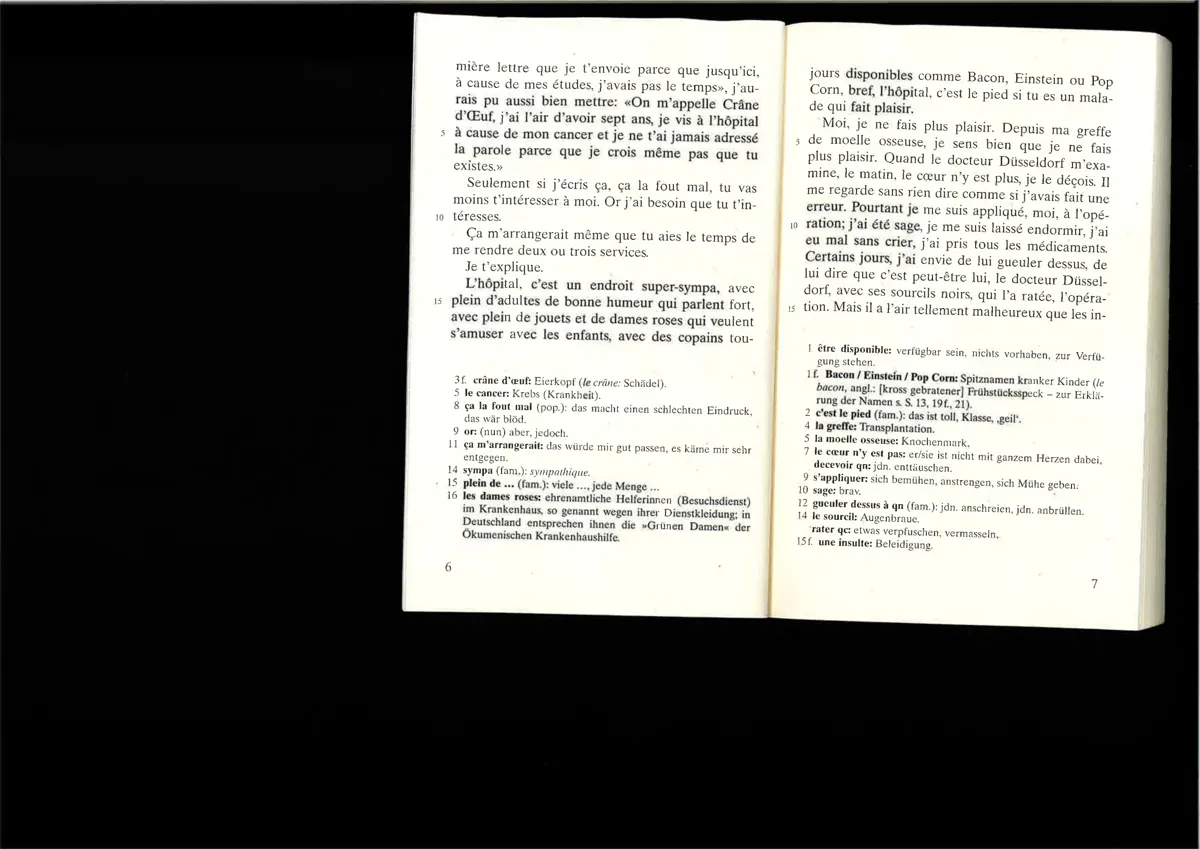
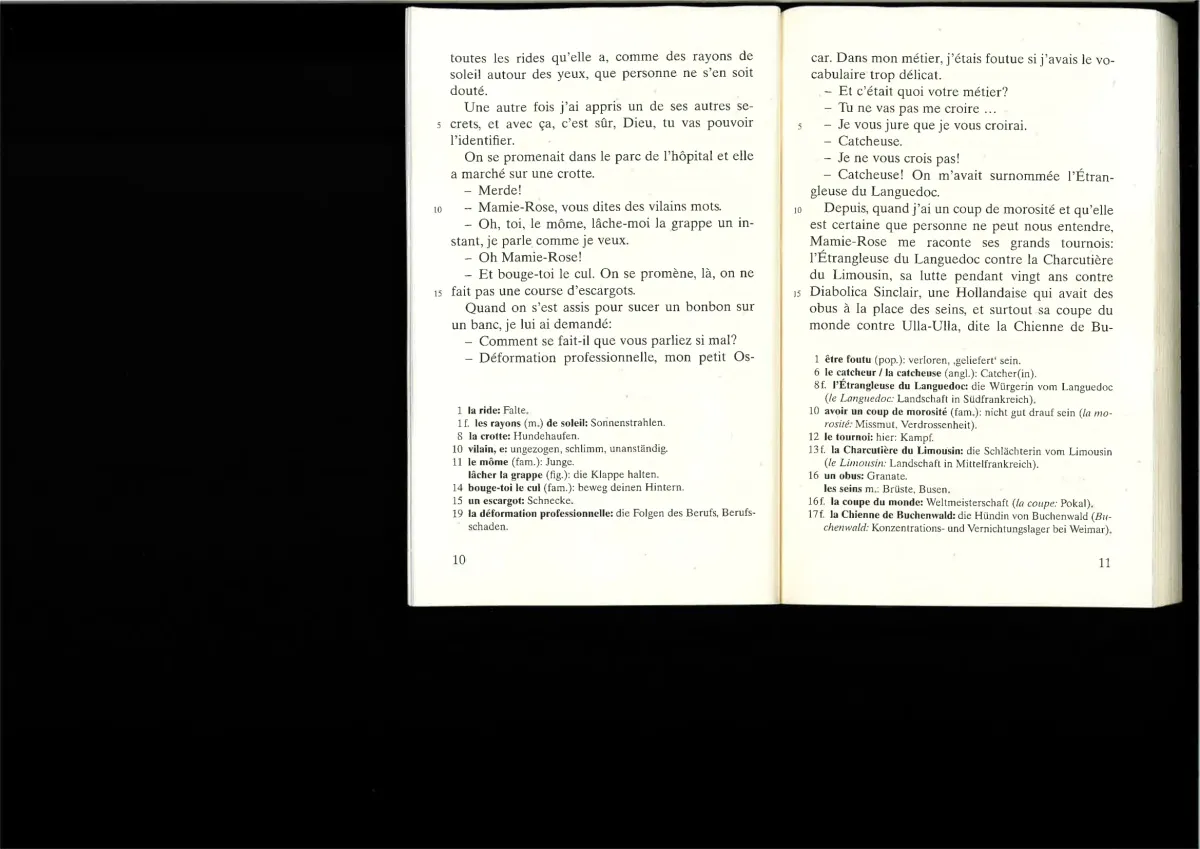
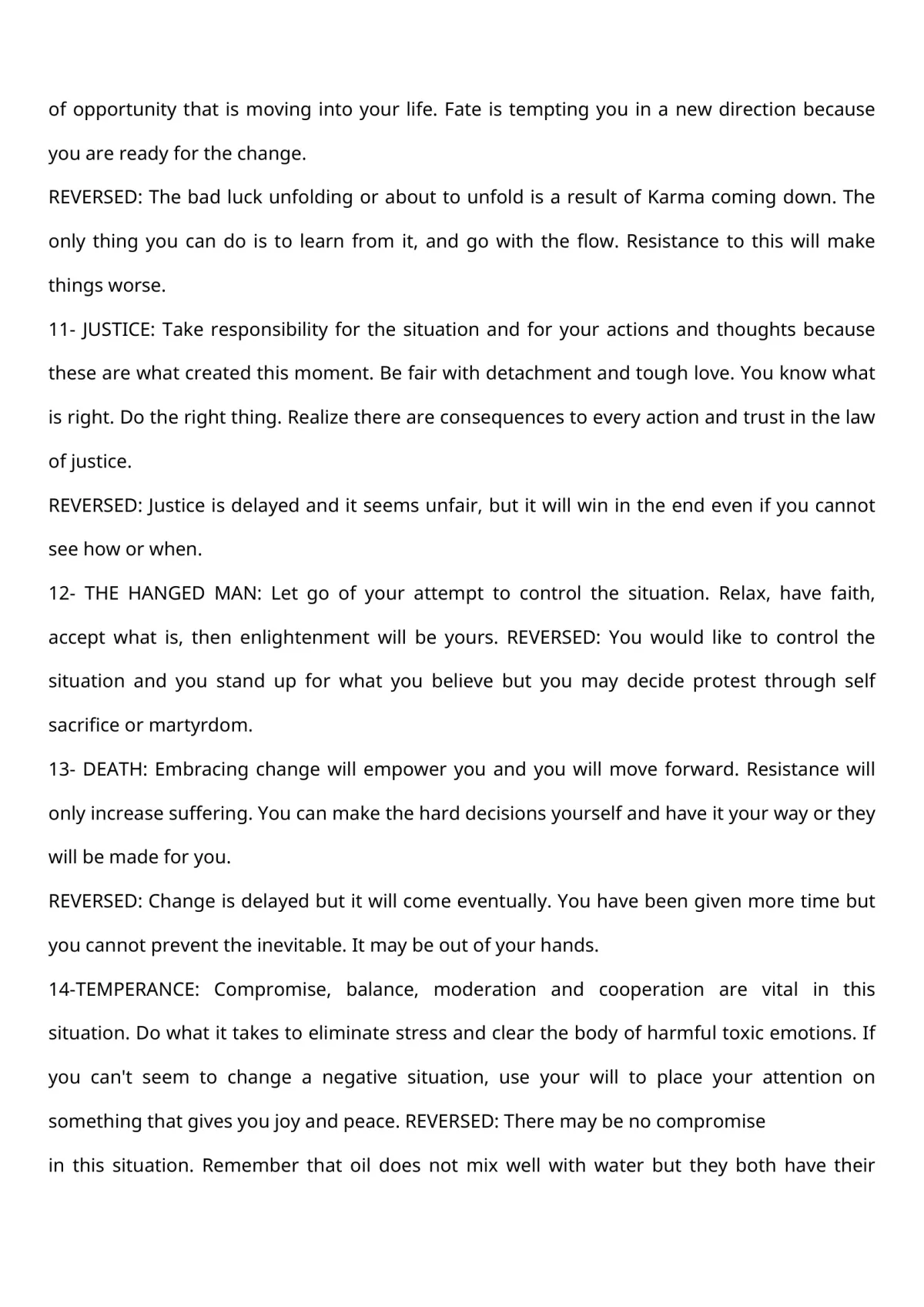
Scanned page with no selectable text
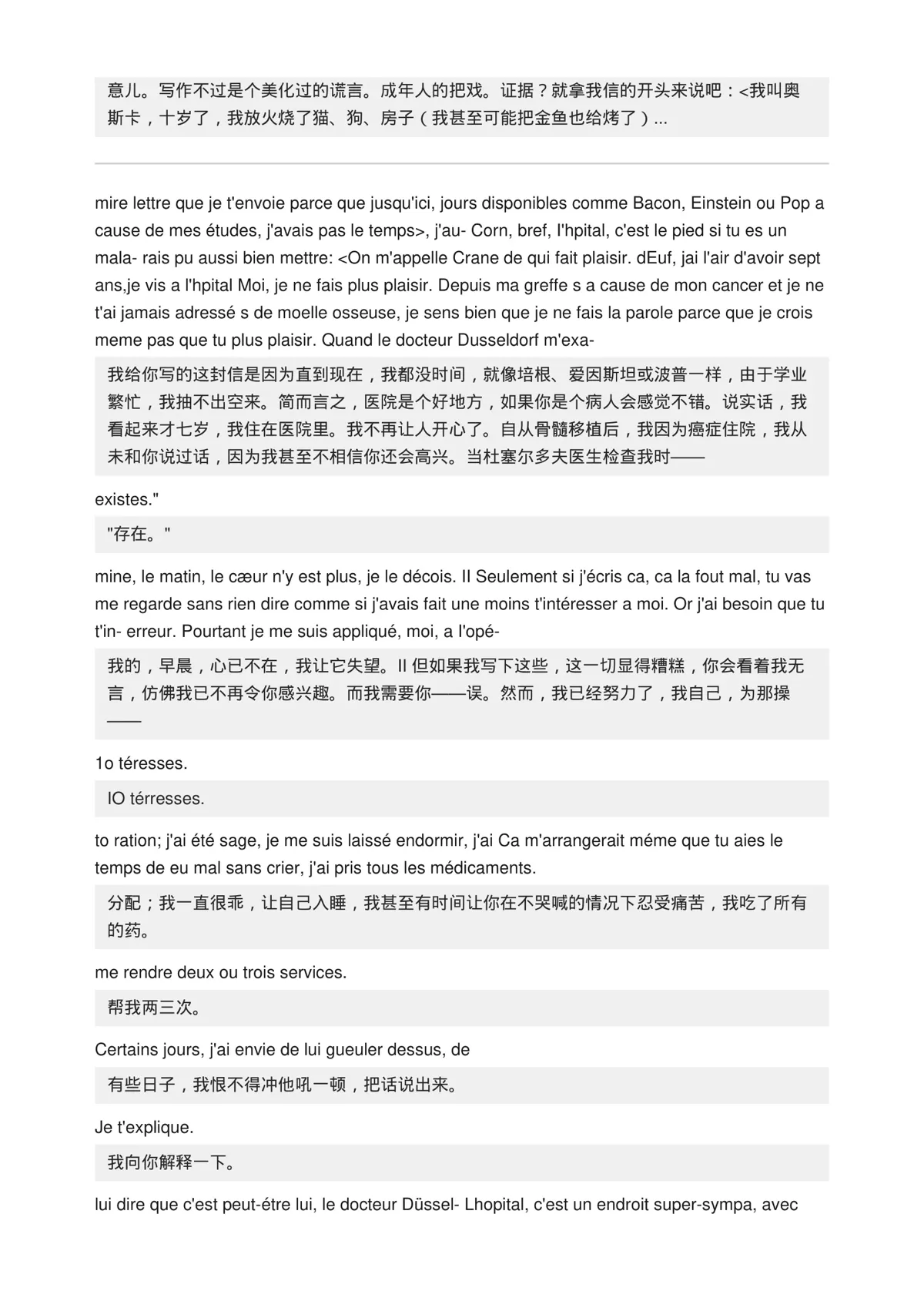
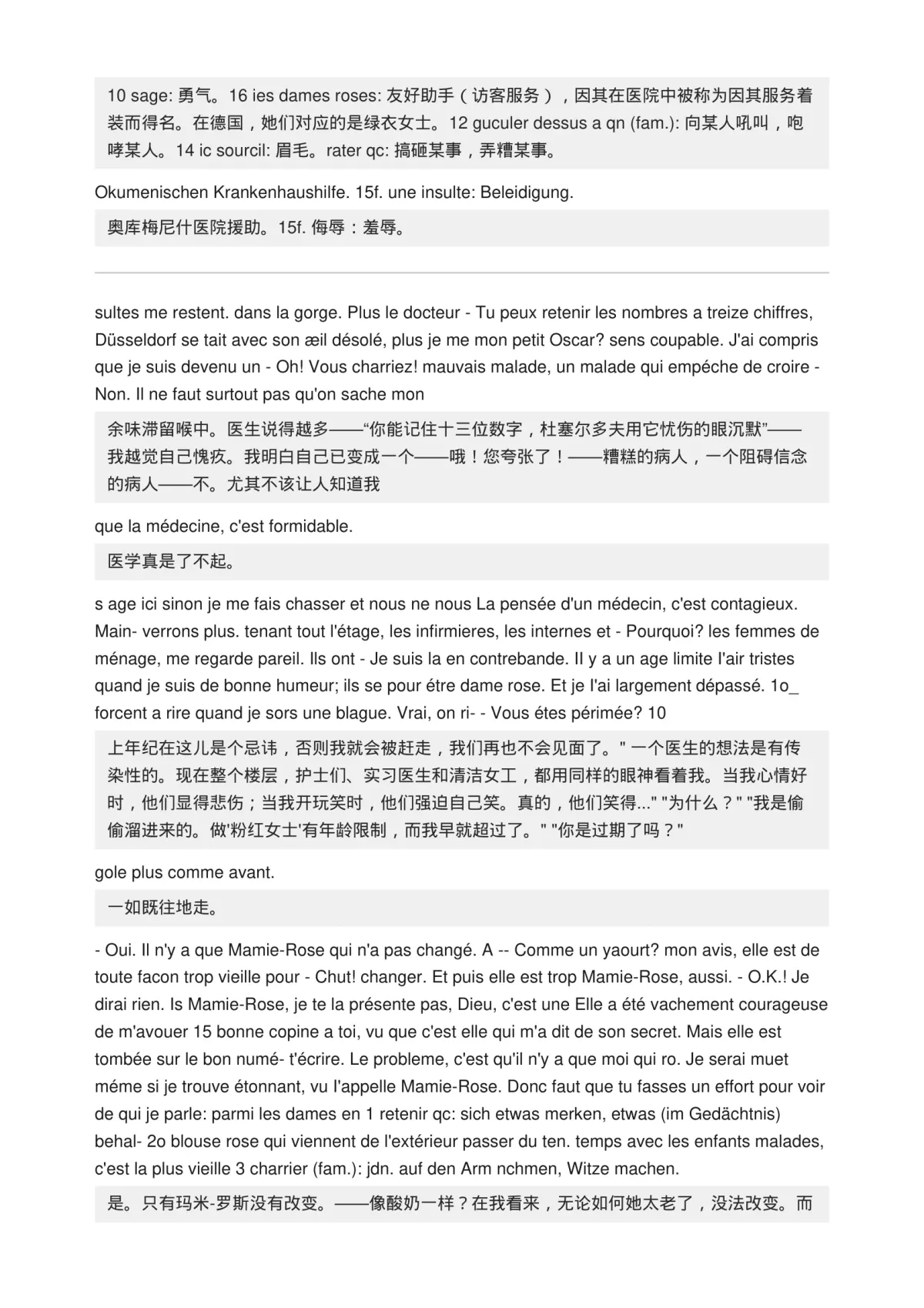
Clean bilingual PDF with editable text
Overlapping text and hard-to-read translation
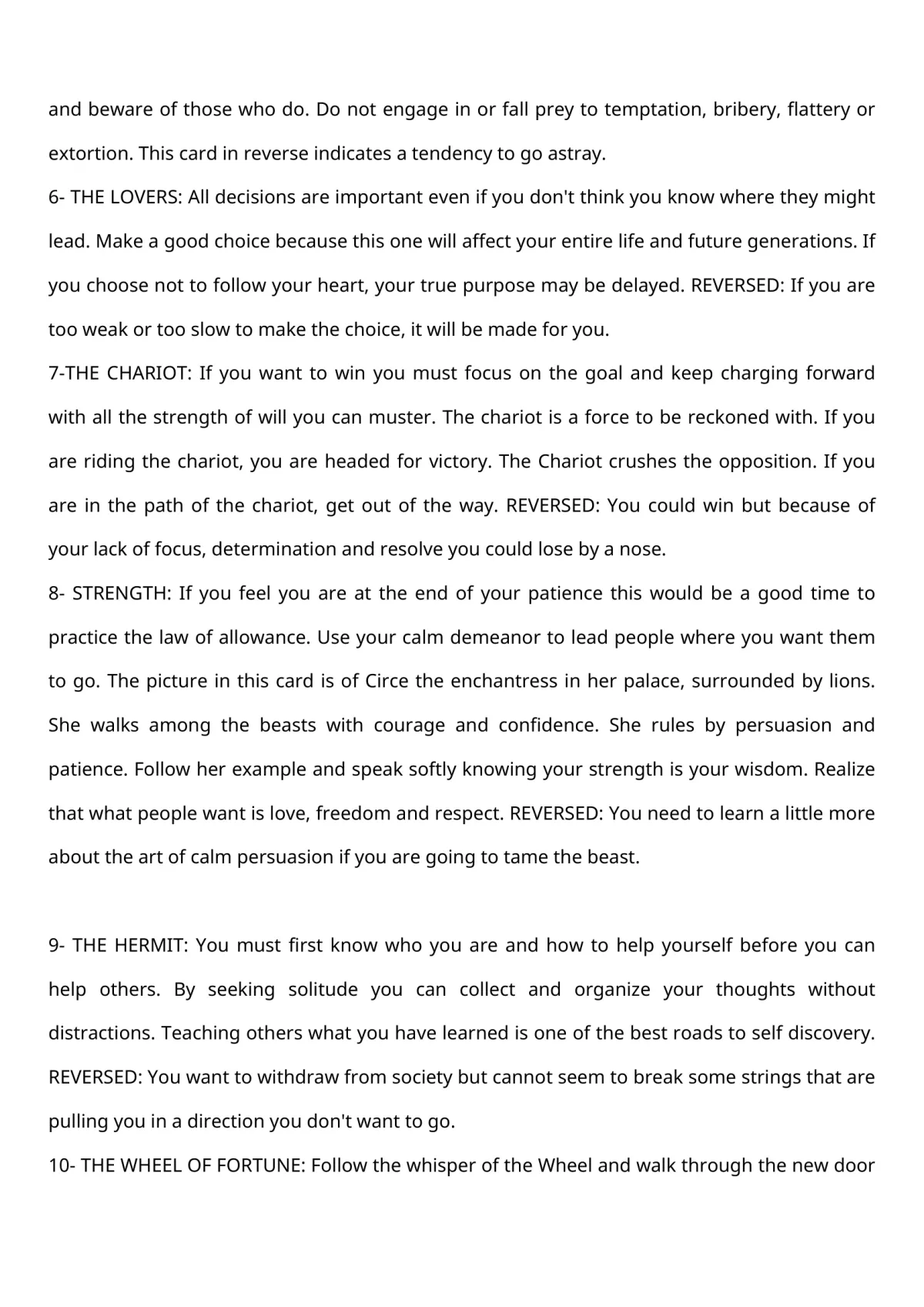
Readable rebuilt pages
Layout breaks when translation is overlaid
Structured bilingual output

Ready to try OCR Mode?
Upload a PDF, turn on OCR Mode, and translate scanned pages with cleaner output.