How to Translate a User Manual Without Breaking Warnings, Diagrams, or Layout
A step-by-step workflow for translating user manuals while controlling warnings, product terminology, interface labels, diagram callouts, cross-references, versions, and PDF or DOCX layout.
To translate a user manual safely, treat it as a controlled product artifact rather than a collection of sentences. Freeze the product version, preserve the manual's warning system, lock product and interface terminology, inventory text inside diagrams, and verify every callout and cross-reference after the translated file is rebuilt.
The correct priority is:
- source version and scope;
- safety and procedural meaning;
- product names, controls, and do-not-translate items;
- diagram labels and cross-references;
- completeness and structure;
- target-language clarity; and
- visual layout.
Download the user-manual translation control sheet to record warnings, terms, figures, references, owners, evidence, and retest status.
Freeze the product and manual version
A polished translation of the wrong manual is still wrong. Before translation, record:
- product name, model, hardware or software version, and market;
- source-manual title, document number, revision, and publication date;
- target language and locale;
- included and excluded appendices, labels, quick-start cards, and warranty text;
- source file format and linked image files; and
- the person who can answer product questions.
If the source is still changing, establish a cutoff and a change log. New source edits should enter the target through an explicit revision, not by emailing replacement sentences that nobody reconciles with the complete file.
This version record is the first row in the downloadable control sheet because every later check depends on it.
Preserve the warning system before translating prose
Warnings are a system: signal word, hazard, consequence, avoidance action, symbol, placement, and reference. Do not translate each element independently and assume the relationship will survive.
ISO 20607:2019 addresses the safety-relevant parts, structure, and presentation of machinery instruction handbooks across the machine life cycle. IEC/IEEE 82079-1:2019 provides broader principles and requirements for information for use. These standards do not make a machine translation compliant; they show why manual preparation and validation are production disciplines, not sentence replacement.
For every warning, capture:
- stable warning ID;
- source and target signal word;
- hazard statement;
- consequence statement;
- avoidance instruction;
- symbol or image reference;
- page, section, and procedure where it appears; and
- required reviewer.
Preserve the source severity hierarchy. Do not casually replace one signal word with a more familiar synonym. In the translated layout, verify that the warning has not separated from the step, figure, or condition it governs.
Build three controlled lists
One glossary is not enough. Separate three types of control.
Approved terminology
Record source term, approved target term, definition, context, capitalization, plural or inflection rule, and rejected variants. Use one term for one product concept unless the source intentionally distinguishes two concepts.
Microsoft's current guidance on using technical terms carefully recommends consistent terms and definitions when they are needed. The same principle matters more in translation: switching between two plausible target terms can make a reader think the manual refers to two different parts.
Keep approved terminology findable and authoritative across company knowledge sources by storing the list in an internal knowledge base or another shared source of truth for writers, translators, reviewers, and support teams.
Do-not-translate items
Identify strings that must remain unchanged, such as:
- model numbers and part numbers;
- command-line values, file extensions, and code;
- trademarks or product names governed by the project;
- regulatory identifiers;
- literal interface labels that have not been localized; and
- connector, port, or control markings that appear physically on the product.
“Do not translate” does not mean “ignore.” Verify the string character by character and keep its surrounding grammar clear.
Interface and physical-control labels
Create a separate mapping for buttons, menu items, screen labels, knobs, indicators, and labels printed on the product. Record whether the target interface exists.
If the product UI still says Settings, translating the manual instruction as “Open Preferences” creates a findability failure even when both phrases are linguistically acceptable. Decide whether the manual should quote the source label, the localized label, or both.
For long documents, the terminology consistency workflow gives a reusable structure for approved and rejected forms.
Inventory text that is not in the main text flow
Manuals hide translatable content in:
- diagrams and screenshots;
- callout labels;
- text boxes and sidebars;
- table cells;
- headers and footers;
- generated tables of contents;
- figure captions;
- linked graphics;
- CAD exports; and
- scanned pages.
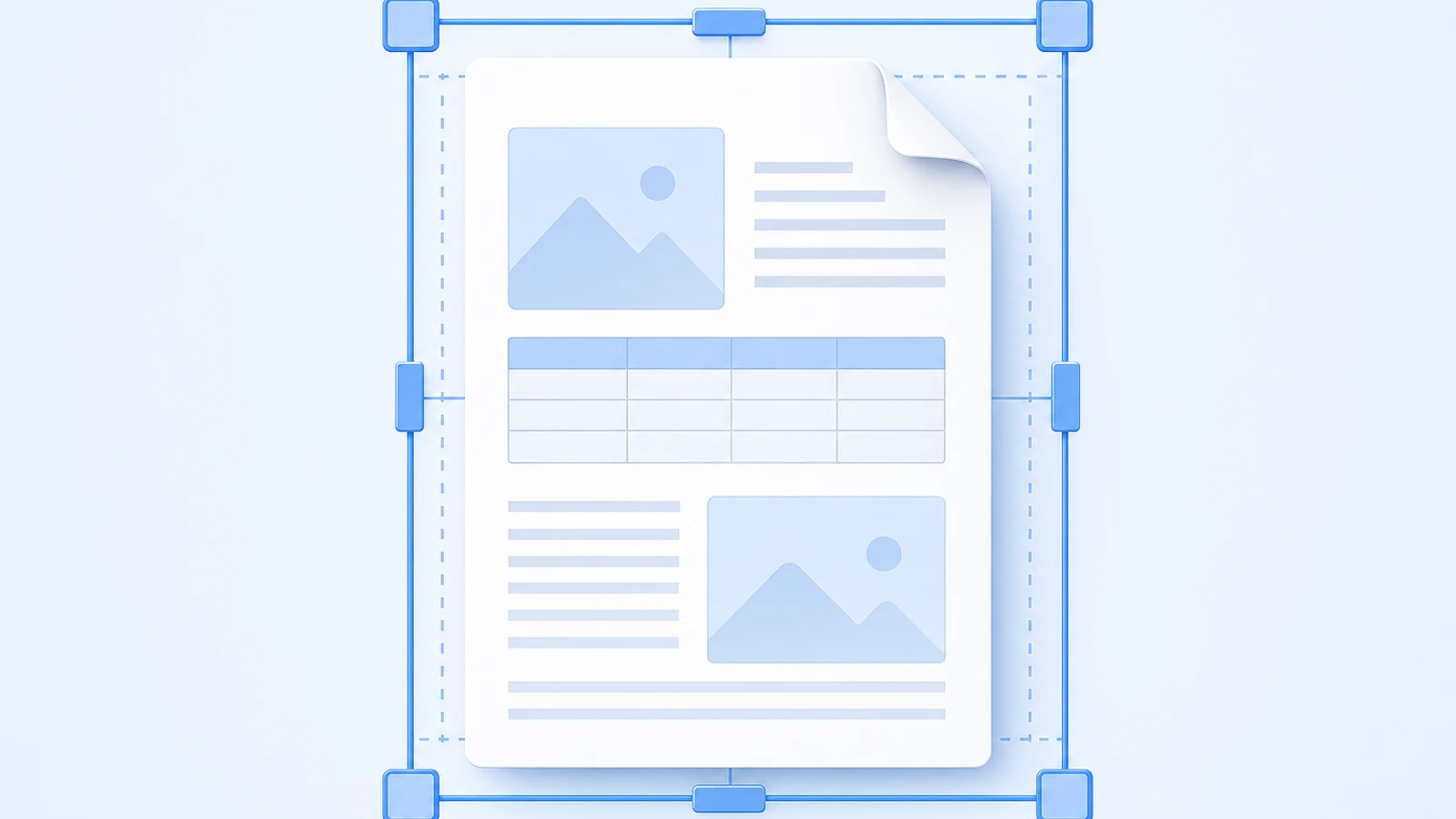
Create an asset ID for every figure. Record whether its text is editable, embedded in the image, or represented by numbered callouts. If the source image cannot be edited, decide whether to recreate it, add a translated legend, or retain it with an approved explanation.
Do not claim that a document translator will redraw every diagram. BookTranslator can keep images and document structure where supported, but image-internal text and complex production artwork may need separate editing and review.
Choose the source format by what must remain editable
| Source situation | Best starting point | Main risk |
|---|---|---|
| Editable manual with styles and tables | Original DOCX or authoring export | Hidden comments, unresolved revisions, broken styles |
| Final text-based PDF | Original PDF plus source assets when available | Reading order, clipping, hard-to-edit figure text |
| Image-only or scanned PDF | OCR workflow plus page-image baseline | Recognition errors and reconstructed layout |
| PDF exported from another authoring system | Native source package plus PDF reference | Missing fonts, links, images, or variables |
Use the original editable source when you own it. A PDF is useful as a visual baseline but is often a poor substitute for the authoring file. If only a text-based PDF exists, follow the format-preserving PDF translation workflow. If the source is DOCX, preserve styles and editable structures with the Word document translation workflow.
If translation is one step in a broader document process, this document automation software guide can help teams compare tools for document generation, approvals, e-signatures, and workflow routing around the manual.
Teams coordinating manual updates across spreadsheets, email, and other business tools can use viaSocket to connect the surrounding workflow, with translation remaining a separate step.
Translate a representative stress section first
Choose a section that contains several failure surfaces:
- at least one warning;
- a numbered procedure;
- a diagram with callouts;
- a table;
- a cross-reference;
- an interface label; and
- a page with tight layout.
Translate and rebuild that section before processing the entire manual. Use it to answer:
- Does the glossary fit real sentences?
- Are warnings still visually and semantically complete?
- Can the target language fit without unreadable type?
- Do labels match the product and UI?
- Can diagrams be updated with available source files?
- Does the output format support the required review?
If the stress section fails, change the workflow before scaling the failure to 200 pages.
Review structure before style
After full translation, reconcile the complete target with the source.
- Compare section, procedure, warning, table, and figure counts.
- Check first and last content in every major section.
- Resolve every “see section,” “see figure,” and “see table” reference.
- Verify numbered steps, bullets, prerequisites, and outcomes.
- Search for source-language residue and compare it with the DNT list.
- Search every approved and rejected terminology variant.
- Check numbers, units, tolerances, torque values, temperatures, dates, URLs, and identifiers.
- Confirm headers, footers, revision codes, and legal notices use the correct edition data.
A changed callout can create a silent defect. If the source says “Press item 4” and the translated figure renumbers it as 5, both the sentence and diagram may look plausible while the instruction becomes unusable.
Edit for target-language use, not source-language symmetry
Once controlled information is stable, edit procedures for clarity in the target language. Keep one action per step where practical. Put conditions before actions when that prevents misuse. Preserve intentional repetition when it identifies the same part or control.
Microsoft's global writing guidance recommends short, clear sentences, consistent construction, and avoiding idioms or culture-specific references in translatable technical content. Do not “improve” a target manual by adding variety that weakens terminology consistency.
This is where human post-editing belongs: after completeness and controlled content are verified, not instead of those checks.
Validate the rebuilt manual as a product
Run three separate approvals.
Language and technical review
- Meaning matches the source.
- Product terminology and control labels are approved.
- Warnings preserve hazard, consequence, and avoidance action.
- Units, values, and identifiers are correct.
- Target-language procedures are clear to the intended user.
Structural review
- Every procedure, warning, table, figure, appendix, and note is present.
- Cross-references resolve to the right target item.
- TOC entries and bookmarks open the right sections.
- Figure callouts match surrounding instructions.
Visual and delivery review
- No warning, table, caption, or instruction is clipped.
- Page breaks do not separate prerequisites from actions.
- Fonts cover the target script and are permitted for delivery.
- The PDF or DOCX opens in the applications the recipient will use.
- Filename, revision, locale, and release package match the delivery record.
For PDF output, adapt the PDF translation QA checklist instead of inventing a separate visual standard during final proofing.
Where BookTranslator fits
BookTranslator can translate a complete text-based PDF or DOCX, use an automatic glossary for recurring terms, and provide bilingual output where supported. Upload a representative source through the PDF translator or DOCX translator, inspect the returned structure, and validate the stress section before scaling the workflow.
For scanned manuals, OCR mode is intended to recover and translate readable content, not reproduce every original coordinate, font, or diagram label. Safety-critical, regulated, or public manuals still require the appropriate technical, language, and compliance review.
Final user-manual release gate
Release only when:
- product and manual revisions are frozen and recorded;
- warnings, terminology, DNT items, controls, and interface labels have owners;
- every figure and embedded-text asset has a defined treatment;
- complete-file counts and cross-references match;
- technical and target-language reviewers have closed major issues;
- the final PDF or DOCX passed visual and functional proofing; and
- the release package identifies the exact source, target, locale, and revision.
The central rule is simple: a user manual translation succeeds when the user can perform the correct action with the correct product version. Smooth prose is necessary, but it is not the primary acceptance test.
Related Posts