النسخ واللصق من ملف PDF يعطي نصاً خاطئاً؟ افحص طبقة النص أولاً
قد يبدو ملف PDF سليماً في ظاهره لكنه ينسخ كلمات أو أرقاماً غير صحيحة. استعن بأربعة ملفات نموذجية لتحديد مشكلات طبقة النص واختيار طريقة إصلاح يمكن التحقق منها.
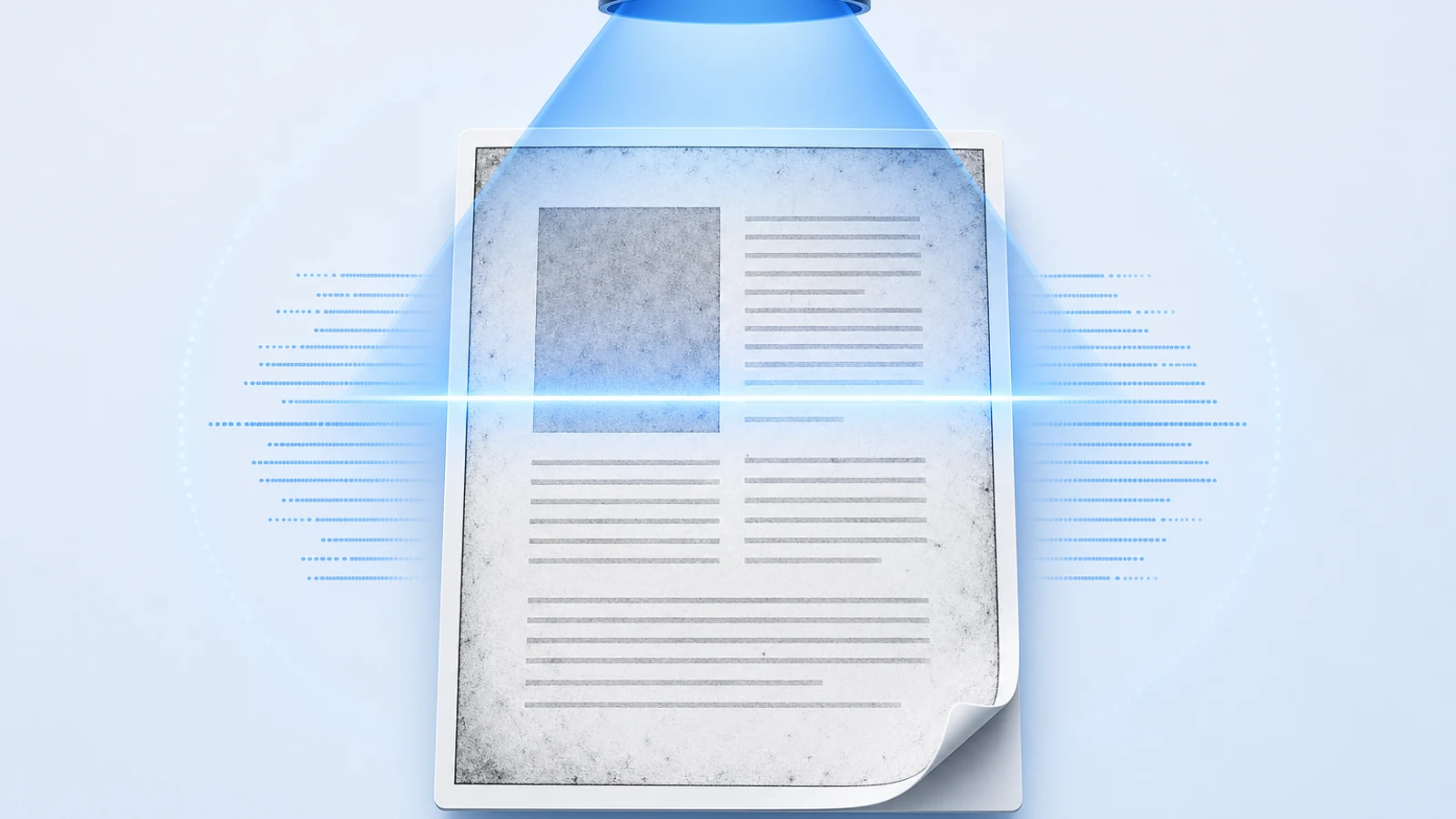
إذا كان ملف PDF يبدو سليماً ولكن لصق النص يعطي نتائج خاطئة، فتوقف عن استخدام النص المنسوخ كمصدر لك. ابدأ بمقارنة مقطع قصير مع الصفحة الظاهرة أمامك: اسم، وجملة، ورقم. تعتمد الخطوة التالية على ما إذا كان الملف يفتقر تماماً إلى نص قابل للاستخراج، أو يحتوي على تعيين خاطئ للمحارف، أو يضم طبقة OCR خفية غير دقيقة، أو يعاني من مشكلة في تسلسل القراءة. فتطبيق الـ OCR على المستند بأكمله ليس الحل الأولي المناسب لهذه الحالات الأربع.
الخطأ الأكثر خطورة ليس النصوص المشوشة أو غير المفهومة، بل النصوص التي تبدو منطقية وتوحي بالصحة: صفحة تعرض 18 دفتراً بينما يقول النص المستخرج 13 دفتراً. لقد صممنا أربعة ملفات PDF قابلة للتنزيل لجعل هذا الفارق واضحاً وقابلاً للملاحظة، دون استخدام وثائق شخصية لأي أحد.
ابدأ بفحص سريع: انسخ وقارن
احتفظ بالملف الأصلي كما هو دون تعديل، وافتح نسخة للعمل عليها. الصق مقطعاً قصيراً محدداً في محرر نصوص عادية، ثم قارنه حرفاً بحرف مع ما يظهر في الصفحة. كرر العملية في صفحة أخرى، وباستخدام قارئ PDF ثانٍ إن أمكن. هذا الإجراء هو فحص تشخيصي، وليس دليلاً على صحة باقي المستند.
| ما يحدث | ما يجب التحقق منه | أول خطوة مفيدة |
|---|---|---|
| لا يمكن تحديد أي شيء، أو تكون النتيجة الملصقة فارغة | قد تحتوي الصفحة على صورة فقط | تحقق مما إذا كان قارئ الملفات يحدد صورة الصفحة بدلاً من النص |
| تتغير الأحرف بنمط ثابت، رغم أنها تبدو طبيعية تماماً على الصفحة | ترميز المحارف أو آلية تعيين الاستخراج | قارن النتائج باستخدام قارئ ملفات آخر؛ وابحث عن الملف المصدري الأصلي أو تصدير بجودة أفضل |
| معظم الكلمات مقروءة، ولكن الأسماء أو الأرقام غير صحيحة | طبقة نص غير دقيقة، بما في ذلك نصوص الـ OCR القديمة | قارن المقطع المستخرج بالنسخة الممسوحة ضوئياً الظاهرة أمامك |
| الأحرف صحيحة، ولكن الأعمدة أو التسميات التوضيحية أو الحواشي السفلية تظهر بترتيب غير صحيح | استخراج التنسيق وتسلسل القراءة | اختبر عموداً واحداً أو فقرة واحدة بشكل منفصل |
| النسخ معطل | أذونات المستند أو سلوك قارئ الملفات | تحقق من أذونات الملف واطلب نسخة صالحة للاستخدام من المصدر |
هذه مجرد دلائل وليست وسيلة لتحديد البنية الداخلية لكل ملف PDF من مجرد عرض واحد. فإرشادات شركة Adobe بشأن إعادة استخدام المحتوى تفرق بين المحتوى المقتصر على الصور وقيود النسخ؛ ولا ينبغي اعتبار أي منهما تلفاً تلقائياً في طبقة النص. كما يوضح دليل استخراج النصوص في pypdf بشكل منفصل كلاً من الصور، واستخراج النصوص، والصعوبات المتعلقة بالجداول والمسافات.
بالنسبة للكتب أو التقارير الطويلة، سجّل رقم صفحة PDF التي تظهر فيها كل مشكلة. فصفحة العنوان السليمة لا تضمن لك نسخ الملحق، أو المرفق الممسوح ضوئياً، أو الفصل المنسق في عمودين بصورة صحيحة.
أربعة ملفات PDF: ما يظهر على الصفحة مقابل ما تسفر عنه عملية الاستخراج
تحتوي صفحة الاختبار لدينا على أربعة أسطر أصلية، بما في ذلك:
The archive contains 18 notebooks.
Item B-204 arrived on 6 May.
أنشأنا ملف PDF رقمياً عادياً، وصممنا عمداً ثلاثة بدائل له، ثم استخرجنا النصوص منها باستخدام Poppler وpypdf. وقد أعادت كلتا أداتي الاستخراج النص ذاته لكل ملف في هذا الاختبار.
| تنزيل ملف PDF | كيفية إنشائه | النتيجة الفعلية المستخرجة |
|---|---|---|
| نص رقمي صحيح | نص مرئي عادي مع خط مدمج | 18 notebooks; B-204; 6 May |
| تعيين ترميز Unicode غير صحيح | تغيير تعيين الاستخراج دون تغيير الرموز الرسومية (glyphs) المرئية | 13 notebooks؛ تحولت عدة أحرف صغيرة من a إلى x |
| نص مخفي خاطئ | وضع نص غير مرئي خاطئ عن عمد فوق صورة الصفحة | 13 notebooks; B-2O4; 8 May |
| صفحة تحتوي على صورة فقط | استخدام نفس صورة الصفحة بدون أي طبقة نصية | مخرجات نصية فارغة |
قد تُنسخ الصفحة الرقمية ذات المظهر الطبيعي بشكل غير صحيح
عُرض أول ملفي PDF ببكسلات متطابقة تماماً في مقارنتنا، ومع ذلك اختلف النص المستخرج منهما. في الملف الثاني، قمنا بتغيير تعيين ToUnicode عن عمد: وهي المعلومات المستخدمة لربط رموز الأحرف المخزنة بنصوص يونيكود (Unicode). ظل الرقم المرئي 8، بينما أعادت عملية الاستخراج 3. وتوضح وثائق CMap الخاصة بـ pypdf آلية التعيين هذه.
يوضح هذا إحدى آليات الخطأ، ولا يعني بالضرورة أن كل ملف PDF مشوه يحتوي على نفس العيب. فغياب إدخال ToUnicode بمفرده ليس هو تشخيصنا الكامل، كما أن تعديل مخططات التعيين يدوياً ليس حلاً عاماً ومناسباً للقارئ العادي.
قد يحتوي المستند الممسوح ضوئياً والقابل للبحث على كلمات خاطئة
عُرض ملفا PDF الثالث والرابع أيضاً بشكل متطابق تماماً. احتوى أحدهما على نص غير مرئي خاطئ، بينما لم يتبقَ في الآخر أي نص. في الملف الثالث، غيرت عملية الاستخراج بصمت كلاً من الكمية والتاريخ. واحتوى الرمز B-2O4 على الحرف O، وليس الرقم 0 الظاهر في الصورة.
لقد قمنا بإدراج هذه الأخطاء بأنفسنا لتمثيل نوع عدم التطابق الذي يمكن أن تحتويه طبقة النص المخفية. فمحرك التعرف الضوئي على الحروف (OCR) لم يقم بإنشائها. أما الملف الرابع فيُظهر الحالة المعاكسة: صورة صفحة مقروءة بوضوح ولكن دون وجود أي شيء يمكن لأدوات استخراج النصوص هذه استخراجه. يتوافق ذلك مع القيود الموثقة لمكتبة pypdf: فهي تستخرج نصوص PDF الموجودة بالفعل، ولا تتعرف على الكلمات داخل الصور.
ما يثبته هذا الاختبار—وما لا يثبته
في 10 سبتمبر 2026، فحصنا أربعة ملفات يتكون كل منها من صفحة واحدة باستخدام Poppler 26.08.0 وpypdf 6.10.0. واعتمدت المقارنات البصرية على Poppler بدقة 144 نقطة في البوصة. وكان تطابق وحدات البكسل تاماً ضمن كل زوج من الزوجين، وليس عبر الملفات الأربعة جميعها، نظراً لأن الزوج المعتمد على الصور خضع لخطوة تصيير إضافية.
هذا عرض توضيحي مضبوط وموجه، وليس اختباراً معيارياً لدقة التعرف الضوئي على الحروف (OCR). فهو لا يختبر التعرف متعدد اللغات، أو التنسيقات المعقدة، أو الإصلاح عبر Acrobat، أو الإصلاح عبر OCRmyPDF، أو الملفات المرفوعة إلى BookTranslator. لقد كانت هذه مجرد أمثلة مصممة بأخطاء معروفة مسبقاً، وليست تقييماً أعمى غير منحاز.
تتوفر نتائج النصوص الصرفة ووحدات البكسل, إرشادات إعادة الإنتاج، و أداة التوليد مع الملفات. وتستخدم خط Noto Sans غير المعدل مع ترخيص الخطوط المفتوحة المرفق به.
اختر الخطوة التالية الأقل تأثيراً على المستند
تستند مسارات الإصلاح التالية إلى الوثائق الرسمية والتشخيص العملي. وهي ليست نتائج إصلاح مستمدة من تجربتنا على الملفات الأربعة. احرص على العمل على نسخة تجريبية وتحقق من النتيجة قبل استبدال أي ملف تعتمد عليه.
إذا كان المستند الأصلي بحوزتك، فجرّب تصديره من جديد أولاً
يُعد إنشاء ملف PDF جديد انطلاقاً من ملف معالجة الكلمات أو النشر المكتبي أو التنضيد الأصلي خياراً أولياً ممتازاً. قارن بدقة الفقرة المحددة التي ظهر فيها الخطأ، ولا تفترض أن تغيير اسم الملف أو نجاح عملية التصدير يعني بالضرورة أن النص أصبح صحيحاً الآن.
بالنسبة للمواد التي تم الحصول عليها من أرشيف أو من جهة النشر، تحقق مما إذا كانت هناك نسخة بديلة تتضمن النص. واحرص على تطابق الطبعة وأرقام الصفحات، إذ قد لا تحتوي النسخة الأحدث أو الأكثر وضوحاً من طبعة مختلفة على الفقرة التي تحتاج إليها تماماً.
إذا كان المستند الممسوح ضوئياً يحتوي على أخطاء تعرف طفيفة، فراجع تلك الكلمات
يوفر Acrobat مسار عمل موثقاً عبر المسح الضوئي والتعرف الضوئي على الحروف (OCR) ← تصحيح النص الذي تم التعرف عليه. ويتيح لك هذا المسار مراجعة الكلمات المشكوك فيها ومقارنتها بالصورة الممسوحة ضوئياً لتصحيح النص المعترف به. اتبع إرشادات التصحيح الحالية من Adobe للتعامل مع واجهة المستخدم في نسختك الخاصة.
لا تعتمد على خلو قائمة الكلمات المشكوك فيها كدليل على اكتمال الدقة. قارن بشكل مستقل الأسماء، والتواريخ، والمعرّفات، والكميات التي تنوي اقتباسها أو ترجمتها. فنصنا المتعمد بالخطأ 13 notebooks يوضح هذا المثال سبب عدم كفاية الحصول على مخرجات قابلة للقراءة فحسب.
إذا كان النص المخفي خاطئاً إلى حد كبير، فميّز بين خياري redo وforce
بالنسبة للقراء الذين يستخدمون أدوات سطر الأوامر، توثق أداة OCRmyPDF مسارات مختلفة للتعامل مع الصفحات التي تحتوي بالفعل على نص:
--redo-ocrيزيل نص التعرف الضوئي على الحروف (OCR) غير القابل للطباعة والموجود مسبقاً، ثم يعيد التعرف عليه مع استبعاد النص القابل للطباعة من المعالجة.--skip-textيتخطى الصفحات التي تحتوي على نص. ولا يُعد هذا حلاً لإصلاح طبقة نصية خاطئة موجودة بالفعل.--force-ocrيُحول محتوى الصفحة إلى صورة نقطية (rasterize) ويُشغّل التعرف الضوئي على الحروف على الصور الناتجة.
تم توضيح هذه السلوكيات في وثائق أخطاء النصوص الموجودة مسبقاً الخاصة بـ OCRmyPDF. وفي الإصدار 17، تتوفر هذه الخيارات المكافئة أيضاً عبر --mode؛ مع بقاء الرايات القديمة كأسماء بديلة (aliases).
هناك أثمان واستثناءات لهذه الخيارات؛ فلا يمكن لخيار redo اكتشاف كل ترتيبات التعرف الضوئي القديمة، إذ تضع بعض الملفات صورة معتمة فوق نص يُعد تقنياً قابلاً للطباعة. أما خيار force فيحول النصوص القابلة للطباعة والمحتوى المتجهي (vector) إلى بكسلات ويدمج المحتوى التفاعلي في طبقة مسطحة واحدة. كما يتجاهل كلا الخيارين شجرة البنية الحالية بدلاً من إعادة بنائها. لذا، راجع الوثائق المتقدمة الخاصة بـ OCRmyPDF قبل اختيار أي منهما.
وبالتالي، فإن النص المستخرج بعد الإصلاح لا يُعد اجتيازاً لمتطلبات إمكانية الوصول. فإذا كان المستند يحتاج إلى عناوين رئيسية، أو ترتيب قراءة سليم، أو أشكال توضيحية ملائمة للوصول، فاستعن بدليل منفصل هو فحوصات إمكانية الوصول لملفات PDF المترجمة.
إذا اختلفت الصفحات أو اللغات، فلا تفترض ملاءمة إعداد واحد للجميع
حدد الصفحات التي تحتوي بالفعل على نص رقمي موثوق وتلك التي تحتاج إلى التعرف الضوئي. وتحقق من اللغات الموجودة في الصفحات المتأثرة قبل ضبط إعدادات OCR. يتناول دليل التعرف الضوئي على الحروف لملفات PDF متعددة اللغات كيفية اختيار اللغات، وهو قرار يختلف تماماً عن تحديد ما إذا كانت طبقة النص القديمة خاطئة.
إذا لم تكن هناك أي طبقة نصية على الإطلاق، فانتقل إلى سير عمل ملفات PDF الممسوحة ضوئياً. فلن تؤدي المحاولات المتكررة لاستخراج النص العادي باستخدام أداة أخرى إلى جعل pypdf يتعرف على الكلمات داخل الصورة.
تحقق من صحة النص البديل قبل استخدامه
استخدم ورقة فحص طبقة النص القابلة للتنزيل للاحتفاظ بالمرجع المرئي، والاستخراج السابق، والاستخراج البديل جنباً إلى جنب. ابدأ بالخطأ المعروف، ثم اختبر فقرة مختلفة وأي تخطيط صفحة مختلف بوضوح.
- الكلمات: قارن الأسماء والمصطلحات غير المألوفة حرفاً بحرف.
- الأرقام: تحقق من الكميات، والفواصل العشرية، والتواريخ، والمعرفات مثل
B-204. - الترتيب: اقرأ فقرة كاملة عبر فواصل الأسطر؛ وتحقق من الأعمدة والتسميات التوضيحية المجاورة بشكل منفصل.
- التغطية: تأكد من عدم إغفال الصفحات والفقرات التي تحتاج إليها.
- سلوك الملف: أعد فتح الملف البديل المحفوظ وكرر اختبار النسخ. وإذا كنت تعتمد على الإشارات المرجعية أو الروابط أو البنية الميسرة للوصول، فتحقق منها أيضاً.
نجاح فقرات محددة يمنحك دليلاً يخص تلك الفقرات فقط، ولا يضمن سلامة الملف بأكمله. احتفظ بصورة الصفحة الأصلية كمرجع، لا سيما عند تصحيح اقتباس أو لغة غير مألوفة.
لا تبدأ بالترجمة إلا بعد التأكد من موثوقية المصدر
إذا كان هدفك مجرد اقتباس فقرة أو تدوين ملاحظات، فقد يكون النص المستخرج بعد التحقق منه هو الغاية النهائية؛ ولن تحتاج إلى خدمة ترجمة لإنجاز هذه المهمة.
أما إذا كنت بحاجة إلى قراءة المستند بأكمله بلغة أخرى، فاستخدم الملف الذي تم التحقق منه كنقطة انطلاق لـ ترجمة ملف PDF. يعمل وضع OCR في BookTranslator على إعادة بناء ملف PDF مترجم من المحتوى الذي تم التعرف عليه؛ وهو ليس ضماناً لإصلاح أي طبقة نص حالية أو إعادة إنتاج تخطيط الصفحة الأصلي بدقة تامة.
احتفظ بالصفحات المرجعية طوال مرحلة الترجمة؛ فالكميات والمعرفات نفسها التي تم فحصها هنا يجب تضمينها في مراجعة ضمان الجودة النهائية لترجمة PDF. فالترجمة السلسة لا يمكنها وحدها أن تنبهك إلى أن المصدر كان ينبغي أن يتضمن 18 بدلاً من 13.
مقالات ذات صلة