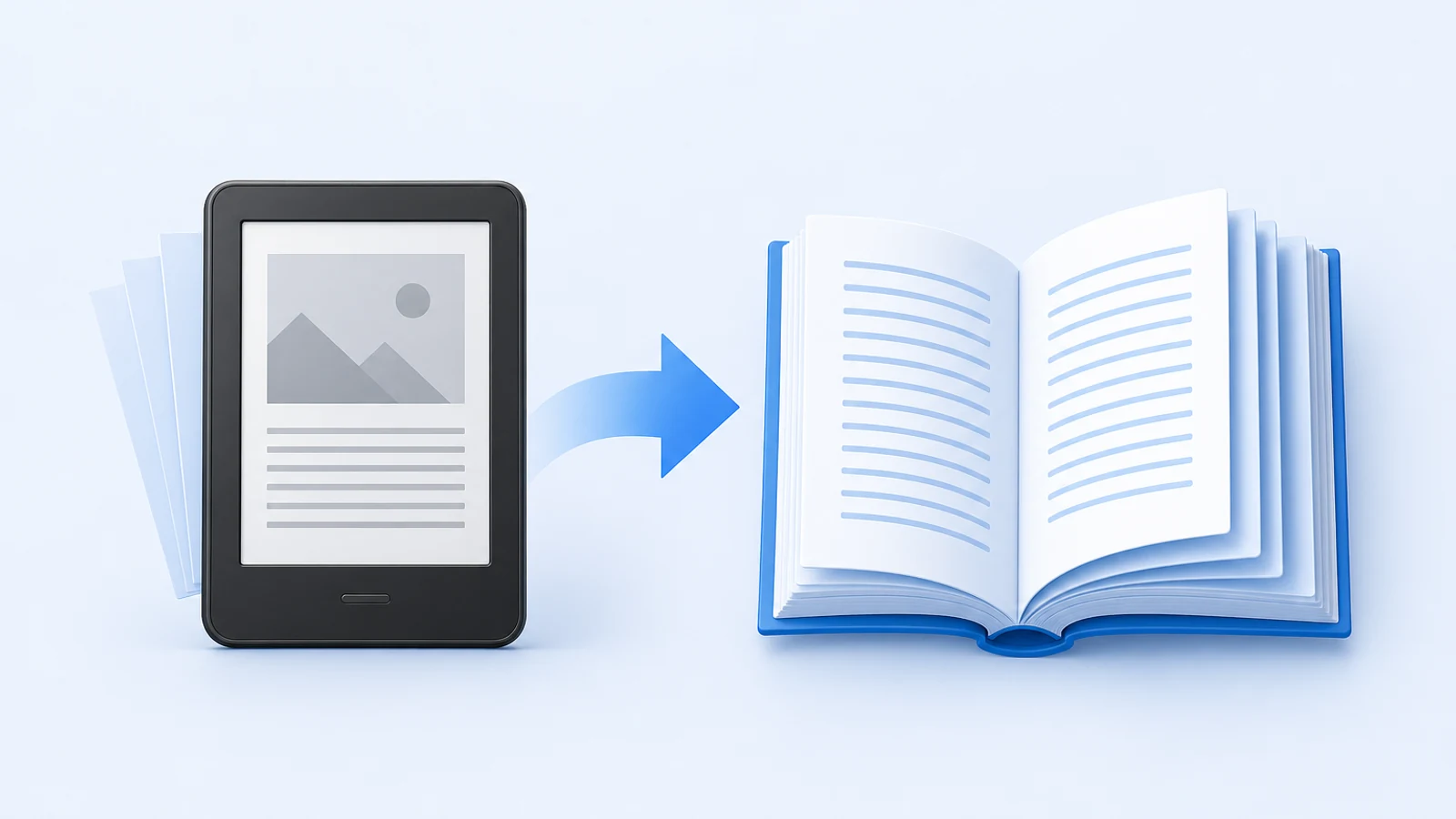
How to Create a Bilingual EPUB for Language Learning
Compare inline, paragraph-paired, side-by-side, and linked bilingual EPUB layouts—and build one that survives real e-reader reflow.

Fast Answer: Use Paragraph-Level Alignment
The most reliable bilingual EPUB places each source paragraph next to or immediately before its translated paragraph. Paragraph-level alignment survives normal translation differences better than sentence-by-sentence pairing and is easier to review than chapter-level blocks.
Use an EPUB Translator that can preserve the package and produce bilingual output, or build the paired structure in an EPUB editor. Test the result on the smallest screen you support. A desktop side-by-side layout that looks elegant can collapse into an unreadable strip on an e-reader.
If you are still selecting the translation workflow rather than building the bilingual layout, start with the free EPUB translator guide. This article assumes you already have a valid, DRM-free EPUB and need to decide how source and target text should coexist.
Four Bilingual EPUB Layouts
Source paragraph followed by translation
This is the safest reflowable layout. It works across most readers because each language remains a normal block in document order.
Best for: language learners, mobile reading, broad compatibility.
Trade-off: the book becomes roughly twice as long and the source interrupts target-language reading.
Translation followed by source
This puts the learning language first and lets readers check the source only when needed.
Best for: target-language immersion with a built-in fallback.
Trade-off: readers may still see the source immediately and rely on it too quickly.
Side-by-side columns
This offers fast visual comparison on tablets and desktop readers.
Best for: review, study, and wide screens.
Trade-off: many EPUB readers reflow, override, or stack grid layouts. Narrow columns also amplify text expansion.
Linked source and translation
Each paragraph or section links to its counterpart rather than displaying both simultaneously.
Best for: readers who want a clean monolingual page with optional reference.
Trade-off: navigation becomes more complex, and return links must work reliably.
Which Layout Works on Kindle, Kobo, and Apple Books?
Do not assume one rendering engine represents all devices. Reflowable EPUB readers may override fonts, margins, columns, and even some CSS.
Use this compatibility default:
| Constraint | Safer choice |
|---|---|
| Small e-ink screen | Stacked source and target paragraphs |
| Tablet or desktop only | Side-by-side can be acceptable |
| Unknown reading app | Simple document order and minimal CSS |
| Strong accessibility requirement | Separate semantic blocks with language attributes |
| Clean target-language reading | Linked or separate editions |
Amazon's current publishing documentation recommends validating EPUB manuscripts with Kindle Previewer before upload. Treat that as one platform check, not proof that the file works identically everywhere.
Step-by-Step Bilingual EPUB Workflow
- Confirm that the source EPUB opens correctly and is DRM-free.
- Back up the original file.
- Inspect the spine, navigation, CSS, footnotes, and metadata.
- Translate one representative chapter.
- Pair source and target at paragraph level.
- Add language attributes to the source and target blocks when editing markup.
- Preserve inline emphasis, links, notes, and semantic headings.
- Generate the full bilingual EPUB only after the sample chapter works.
- Validate the package and test it in multiple readers.
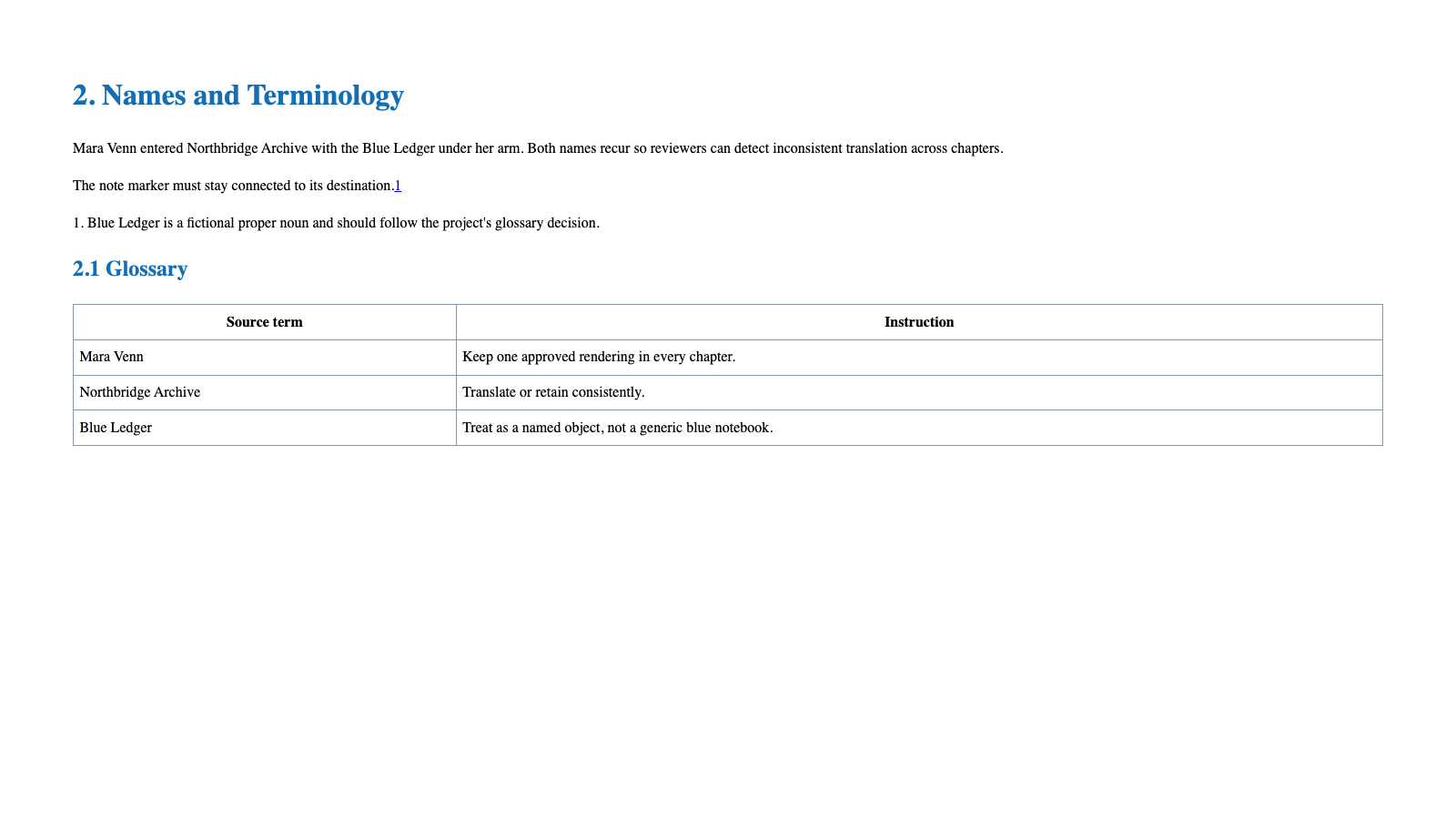
Use our synthetic EPUB translation stress test to inspect the kind of structure that must survive. It includes a nested ToC, a footnote, cross-links, CSS, metadata, and repeated fictional terms.
Align Source and Translation Without Losing Paragraphs
Give every source block exactly one target counterpart in the review representation, even when the translator splits or combines sentences inside that block.
Use stable anchors such as:
- chapter IDs;
- heading IDs;
- paragraph sequence within a chapter;
- list-item order;
- footnote IDs;
- figure and table references.
Do not align by line number. EPUB line breaks depend on screen width, font size, and reader settings. Do not align purely by sentence punctuation either; languages divide ideas differently.
When one source paragraph legitimately becomes two target paragraphs, keep them inside one paired container or record the one-to-many relationship. Silent paragraph drift makes later chapters almost impossible to audit.
CSS Rules That Survive Different E-Readers
Prefer simple CSS:
- normal block flow;
- modest spacing between source and target;
- a subtle border or background distinction;
- relative units rather than fixed pixel heights;
- no fixed page-sized containers;
- no JavaScript dependency;
- no hidden translation that requires unsupported interaction.
For a side-by-side layout, use a responsive rule that stacks the columns when the available width is small. The file should remain understandable when all custom CSS is ignored.
Avoid using color as the only language indicator. E-ink devices may display both blocks in similar gray tones.
Footnotes, Highlights, Search, and Text-to-Speech
Bilingual content changes reader behavior.
Footnotes
Decide whether source and target share one note or have separate notes. Ensure the return link goes back to the correct language block.
Highlights and annotations
If both languages are in one paragraph, readers may be unable to highlight only the target sentence. Separate semantic blocks are easier to annotate.
Search
Both languages should be searchable. Confirm that translation text is real text, not an image or CSS-generated content.
Text-to-speech
Mark language changes so a compatible reading system can switch pronunciation. Without language metadata, one voice may mispronounce half the book.
Bilingual EPUB QA Checklist
- Source and target blocks remain paired from first chapter to last.
- No paragraph is missing, duplicated, or assigned to the wrong chapter.
- Table-of-contents links still work.
- Footnote and return links land in the correct language block.
- Italics and links wrap the correct translated words.
- Repeated names and terminology remain consistent.
- The CSS degrades into a readable stacked layout.
- Both languages are searchable and selectable.
- The book works on the smallest supported device.
- Metadata identifies the bilingual nature of the file without overwriting authorship.
If you are using Calibre, follow the dedicated Calibre EPUB translation workflow. For a fixed-layout reference document, compare the side-by-side and synchronized bilingual PDF layouts before forcing two languages into a reflowable EPUB.
FAQ
What is a bilingual EPUB?
A bilingual EPUB contains source and translated text in one ebook, usually paired by paragraph, displayed in columns, or connected through links.
Is side-by-side EPUB supported on Kindle?
Support varies by device and conversion path. Simple stacked paragraphs are more robust. Always test the actual file with Kindle Previewer and the intended device.
Can Calibre create a bilingual EPUB?
A community translation plugin can place source and translation together depending on its output settings. Inspect the result because plugin behavior and reader compatibility are separate issues.
Should I align every sentence?
Usually not. Paragraph-level alignment handles sentence splitting and combining more naturally while remaining precise enough for review and study.
Is a bilingual EPUB good for publishing?
It can be, but it requires stronger editing, rights review, metadata, accessibility checks, and device testing than a personal study file.
Related Posts