EPUB vs PDF: Which Format Translates Better?
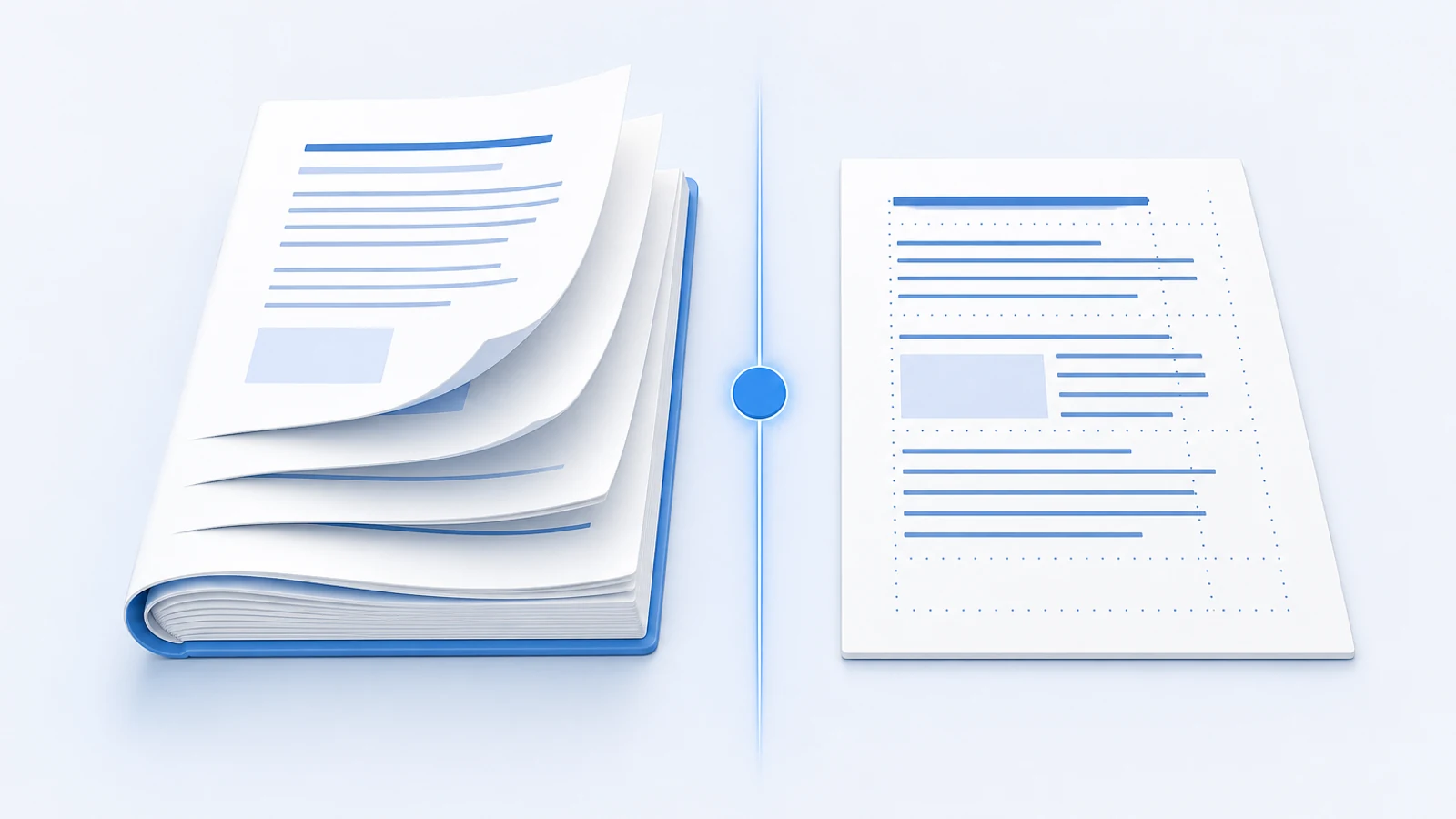
EPUB stores clean paragraphs. PDF stores positioned characters. This technical breakdown shows why the same AI produces very different results on each.
Quick Answer: EPUB Usually Translates Better For Books, PDF Wins When Layout Is The Document
If the same book is available as both EPUB and PDF, choose EPUB for translation. EPUB stores chapters, paragraphs, headings, links, images, CSS, and table of contents data in a structure that translation tools can preserve. PDF stores fixed page layout, so a translator has to reconstruct reading order before it can translate.
That does not mean PDF is bad. PDF is the right source when the exact page layout matters: academic papers, forms, certificates, scanned documents, reports, manuals, and documents with complex tables or diagrams.
Use this decision rule:
- For novels, non-fiction books, textbooks, and e-reader reading: start with EPUB translation.
- For fixed-layout documents, scans, forms, and academic PDFs: start with PDF translation.
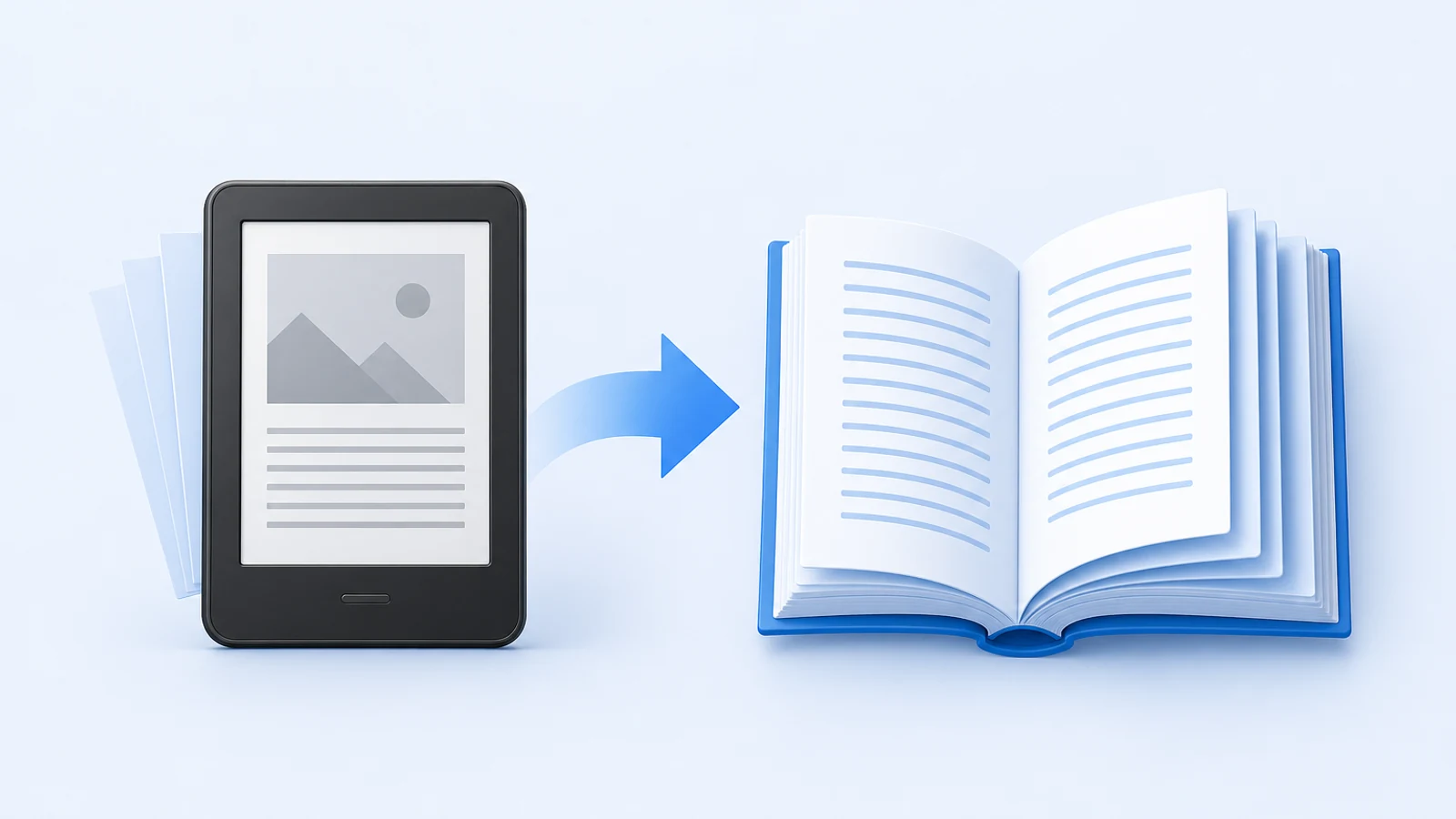
- For Kindle books: convert a DRM-free Kindle file to EPUB first, then translate the EPUB.
If you need a workflow after deciding on EPUB, start with the free EPUB translator guide. If your real problem is preserving a PDF layout, read how to translate a PDF without losing formatting.
EPUB Vs PDF For Translation: Decision Table
| Translation factor | EPUB | Better default | |
|---|---|---|---|
| Text extraction | Clean chapter and paragraph markup | Reconstructed from positioned text | EPUB |
| Reading order | Usually explicit in the book spine | Must be inferred from page layout | EPUB |
| Table of contents | Structural navigation file | Optional bookmarks or page references | EPUB |
| CSS and styling | Separate stylesheet can be preserved | Styling is tied to fixed page positions | EPUB |
| Images and captions | Images sit in the content flow | Images and text share a flat page canvas | EPUB for books, PDF for fixed pages |
| Footnotes and endnotes | Internal links can be preserved | Notes may be page-position dependent | EPUB |
| Text expansion | Reflows naturally | Must fit into fixed page areas | EPUB |
| Scanned pages | Not the usual source format | Common source format, needs OCR | |
| Forms and certificates | Poor fit | Designed for fixed layout | |
| E-reader experience | Reflowable and adjustable | Fixed page, often harder on small screens | EPUB |
| Conversion risk | Usually low if already EPUB | PDF-to-EPUB can damage layout | Depends on source |
Why EPUB Usually Produces Cleaner Book Translation
An EPUB is closer to a small website than a printed page. Inside the file, a book is usually made from XHTML chapter files, CSS stylesheets, image assets, metadata, and navigation files. That structure gives translation software a clean map of the book.
For translation, that matters because the tool can:
- Extract complete paragraphs instead of guessing where lines belong.
- Translate chapter titles and navigation entries.
- Preserve CSS rather than rebuilding layout from scratch.
- Keep images in the reading flow.
- Preserve links between footnotes and their references.
- Reassemble the file as a real ebook after translation.
This is why EPUB is usually the better source for novels, narrative non-fiction, textbooks, manuals, and long-form reading. The tool can focus on translation quality instead of first solving a layout-reconstruction problem.
Why PDF Translation Is Harder
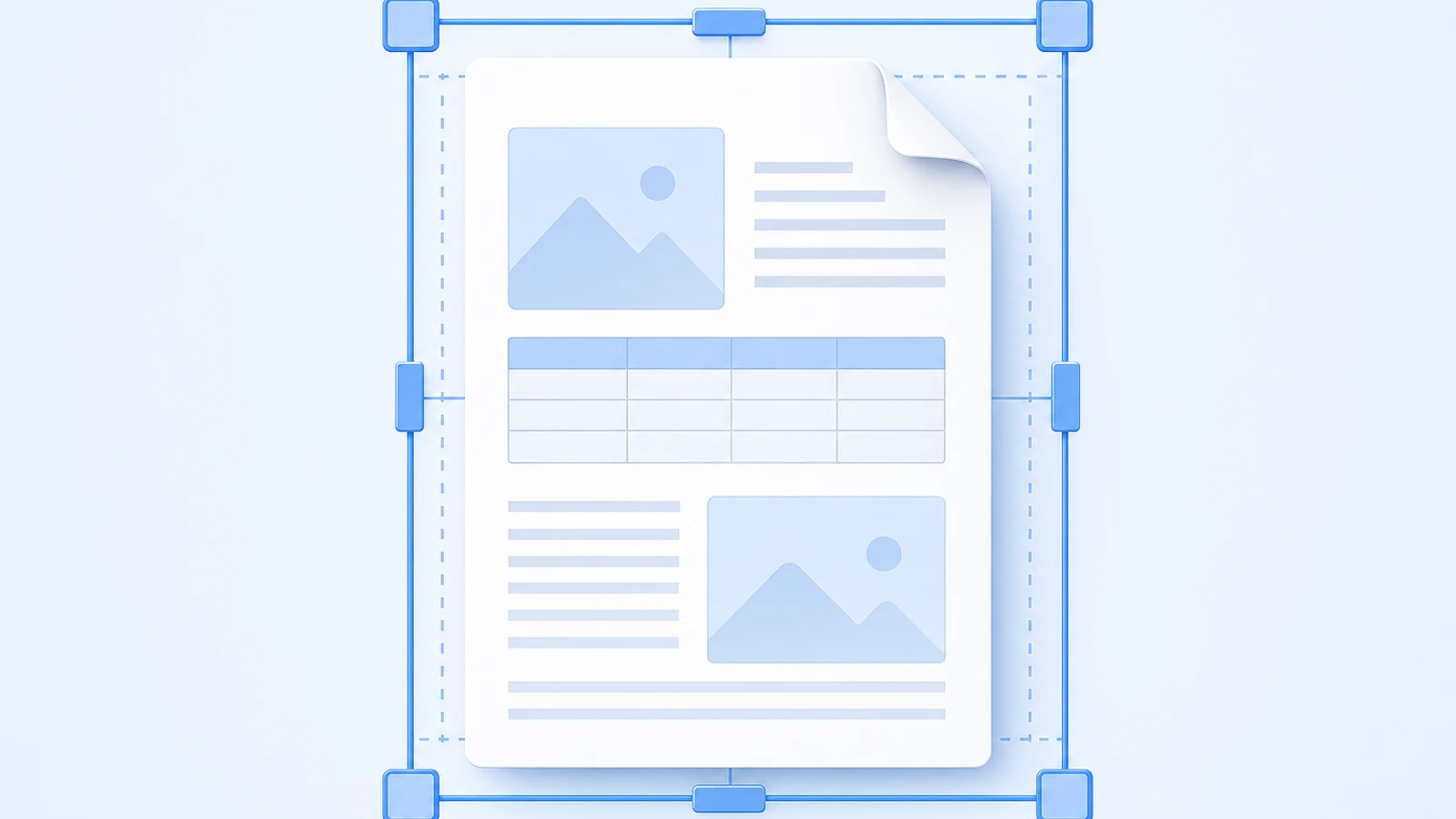
A PDF is designed to preserve visual appearance. It answers a different question: "Where should each element appear on the page?" That is useful for printing and exact-layout documents, but it creates translation challenges.
A translation tool processing a PDF may need to infer:
- Which text belongs to the main body.
- Which lines belong to the same paragraph.
- Whether a page has one column or multiple columns.
- Whether a number is a footnote marker, list number, page number, or table value.
- Whether text is selectable or part of a scanned image.
- Where translated text should fit when it becomes longer or shorter.
These problems are solvable, but they are not free. Even a strong AI model produces weaker output if the input text is extracted in the wrong order or mixed with headers, footers, notes, or adjacent columns.
The Real Translation Difference Is Input Quality
The AI model does not know whether the text came from an EPUB or PDF. It sees text. The format matters because it changes the quality of the text that reaches the model.
Here is the practical difference:
| Pipeline step | EPUB risk | PDF risk |
|---|---|---|
| Identify paragraphs | Low, because paragraphs are tagged | Medium, because paragraphs must be reconstructed |
| Keep reading order | Low, because chapter order is defined | Medium to high in columns, sidebars, and tables |
| Preserve headings | Low, because headings are markup | Medium, because headings are visual styling |
| Preserve notes | Medium, if anchors are rewritten poorly | Medium to high, especially with page notes |
| Handle images | Low for normal inline images | Medium when text overlaps images |
| Reflow longer text | Low, because EPUB reflows | High, because PDF boxes are fixed |
If your translated PDF looks worse than the translated EPUB, the cause is often not "bad translation." It is bad extraction, bad segmentation, or fixed-layout constraints.
When EPUB Is The Better Source
Choose EPUB when the content is primarily meant to be read continuously.
Good EPUB translation candidates:
- Novels and short story collections.
- Narrative non-fiction.
- Business books.
- Textbooks with mostly flowing text.
- Language-learning books.
- Manuals that do not depend on exact page geometry.
- DRM-free Kindle books after conversion to EPUB.
- Books intended for Kindle, Kobo, Apple Books, Google Play Books, or phone reading.
EPUB is especially useful when the target language changes text length. Reflowable text lets the translated book adapt naturally instead of forcing every paragraph back into the original page box.
Start with a dedicated EPUB Translator if your source is already EPUB.
When PDF Is The Better Source
Choose PDF when the page layout carries meaning.
Good PDF translation candidates:
- Academic papers with columns, figures, equations, citations, and page references.
- Scanned documents that require OCR.
- Government forms and certificates.
- Legal documents where page layout matters.
- Financial reports and annual reports.
- Manuals with precise diagram placement.
- Presentations exported as PDF.
- Documents where the reader expects page-for-page correspondence.
For these files, converting to EPUB can damage what makes the document useful. Translate the PDF directly with a layout-aware PDF Translator, then inspect tables, figures, footnotes, and page references.
Should You Convert PDF To EPUB Before Translation?
Sometimes. PDF-to-EPUB conversion can improve translation if the PDF is really a book trapped in a fixed page format. It can also make the output worse if the PDF depends on exact layout.
Convert PDF to EPUB first when:
- The PDF is text-based, not scanned.
- The content is mostly continuous prose.
- You plan to read on an e-reader or phone.
- You do not need exact original page numbers.
- Tables, forms, columns, and diagrams are minimal.
Do not convert first when:
- The PDF is scanned and needs OCR.
- The document has multi-column academic layout.
- Page numbers, forms, stamps, or signatures matter.
- Tables, equations, or diagrams need exact positioning.
- The PDF is already the final layout users expect.
If you convert, use Calibre or another ebook conversion workflow, then inspect the EPUB before translating. Do not assume conversion worked just because a file was created.
A 10-Minute Format Test
When you are unsure, run this small test before translating the full document.
- Pick 3 representative sections: one normal page, one page with a figure or table, and one page with notes or links.
- If you have EPUB and PDF versions, translate the same sections from both formats.
- Open the EPUB output in an e-reader or ebook app.
- Open the PDF output in a PDF viewer.
- Check reading order, headings, notes, images, and text overflow.
- Choose the format that produces the least cleanup for your actual reading device.
For books, the EPUB result usually wins. For documents where layout is the point, the PDF result usually wins.
Format-Specific Failure Modes
EPUB failure modes
- A weak tool translates text but drops the EPUB package.
- ToC anchors are rewritten incorrectly.
- CSS is stripped, making chapters look like plain text.
- Footnote links no longer jump back and forth.
- Fixed-layout EPUB sections do not adapt well to longer translations.
- Image text is not translated because it is part of the image.
PDF failure modes
- Multi-column text is read in the wrong order.
- Headers or footers are merged into body text.
- Footnote markers are attached to the wrong sentence.
- Tables lose alignment after translation.
- Longer translated text overflows a fixed box.
- Scanned pages produce OCR errors.
- Bookmarks do not match the translated document.
These are different problems. That is why the right format choice should come before the tool choice.
EPUB Vs PDF By Use Case
| Use case | Better source | Why |
|---|---|---|
| Reading a novel in another language | EPUB | Clean paragraphs and reflowable reading |
| Translating a Kindle book | EPUB after conversion | Kindle files usually need a DRM-free EPUB workflow |
| Translating an academic article | Citations, figures, and layout often matter | |
| Translating a scanned book | PDF with OCR | The scan must be recognized before translation |
| Reading on a phone | EPUB | Reflowable text is easier to read |
| Preserving a form | Fixed fields and page geometry matter | |
| Translating a textbook | EPUB if available, PDF if layout-heavy | Depends on diagrams, tables, and equations |
| Self-publishing a translated edition | EPUB or source manuscript | You need a clean, editable publishing workflow |
Kindle Files Add One More Step
Kindle books are not usually handed to translation tools directly. The practical workflow is:
- Make sure you have the right to translate the book for your intended use.
- Work only with a DRM-free file or a file you are legally allowed to convert.
- Convert the Kindle file to EPUB with Calibre.
- Inspect the EPUB for chapter structure, ToC, images, and notes.
- Translate the EPUB.
- Send the translated file back to Kindle or read it in another EPUB app.
Read the full Kindle translation workflow if your source file is AZW3, KFX, MOBI, or another Kindle format.
Pick The Translator After Picking The Format
Once you know the right source format, choose the tool:
- If your source is EPUB, use BookTranslator's EPUB Translator.
- If your source is PDF, use BookTranslator's PDF Translator.
- If you are comparing EPUB tools, read 7 best EPUB translation tools.
- If your PDF layout keeps breaking, read translate PDF without losing formatting.
- If your source is Kindle, follow the Kindle-to-EPUB workflow.
FAQ
Is EPUB always better than PDF for translation?
No. EPUB is usually better for books and long-form reading. PDF is better when fixed layout matters, such as forms, academic papers, scanned documents, certificates, and layout-heavy reports.
Why does EPUB translate better than PDF?
EPUB gives translation tools structured chapters and paragraphs. PDF gives tools fixed page positions. With EPUB, the tool can translate meaningful text units. With PDF, the tool often has to reconstruct the text before translating it.
Can I translate a PDF as EPUB?
Yes, if you convert the PDF to EPUB first. This works best for text-heavy books and poorly for scans, forms, columns, tables, and documents where page layout matters. Always inspect the converted EPUB before translating.
Can I translate an EPUB as PDF?
You can convert an EPUB to PDF after translation if you need a fixed file, but EPUB is usually better as the working format. Translate the EPUB first, inspect the result, then export to PDF only if your final workflow requires it.
Which format is better for Kindle translation?
EPUB is usually the better working format. A DRM-free Kindle file can often be converted to EPUB, translated, and then sent back to Kindle. See the Kindle translation guide.
Which format is better for preserving formatting?
For reflowable books, EPUB preserves the reading structure better. For fixed-page documents, PDF preserves the original page design better. The right answer depends on whether "formatting" means book structure or exact page layout.
Bottom Line
Choose EPUB when the goal is a readable translated book. Choose PDF when the exact page is part of the content. If you have both formats, translate EPUB first. If you only have a PDF, decide whether the document is a book-like text that can be converted or a layout-heavy file that should stay PDF.
The format decision comes before the translation tool decision. Pick the wrong source format, and even a good AI model has to fight the file.
Once the format is settled, start from your language pair — for example, translate a PDF from English to Hindi or from Japanese to English — and test one representative chapter or page before running the full document.
Related Posts